Fresh ConceptThermal-Controlled Resin Printing14k High-detail PrintingHigh-Viscosity Resin PrintingPrecision Temperature Control
AAnycubic
Anycubic
# Anycubic Photon P1
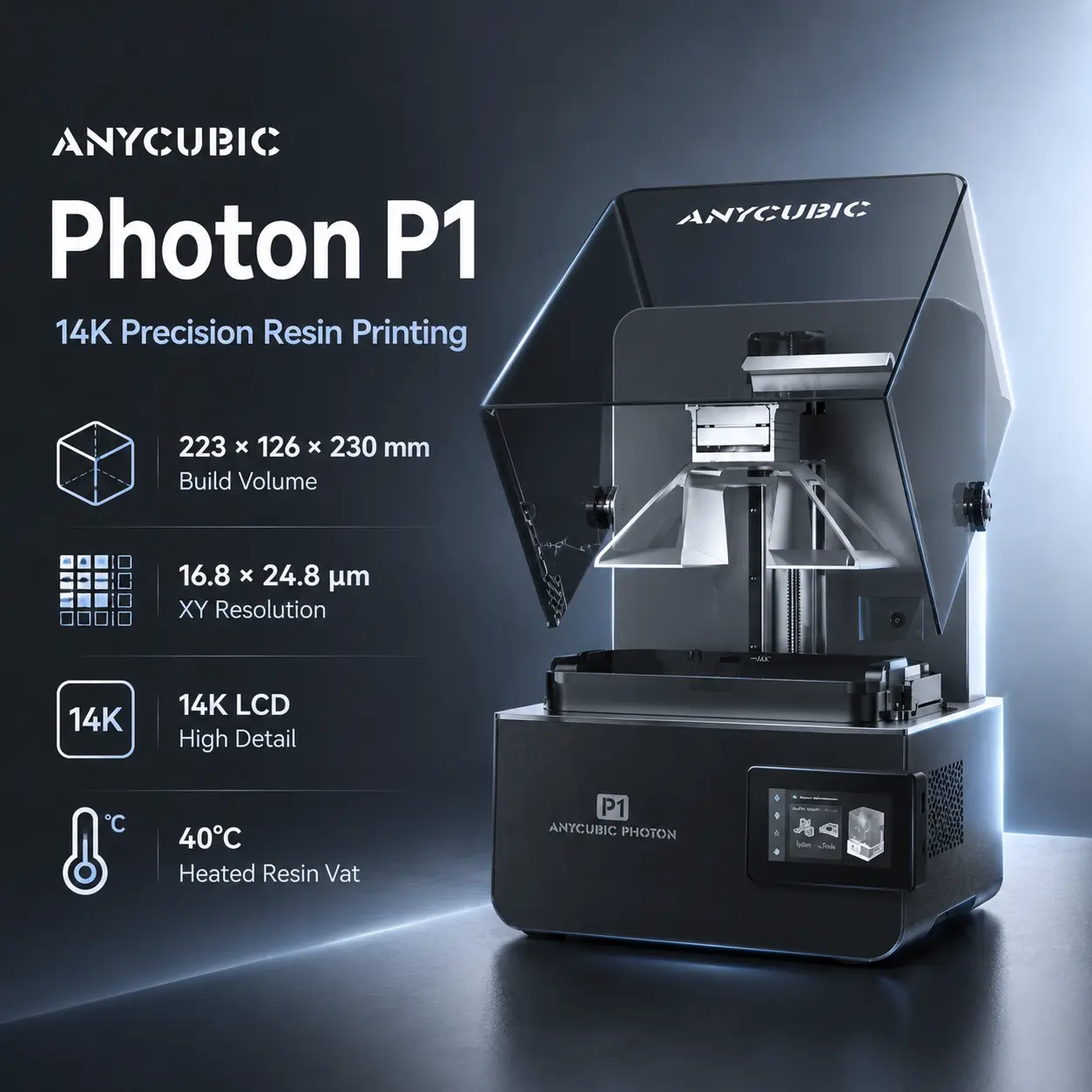
The Anycubic Photon P1 is a 10.1-inch 14K MSLA resin printer aimed at users who want more process control than a basic desktop resin machine without moving into a closed professional ecosystem. It combines a 223 × 126 × 230 mm build volume, 16.8 × 24.8 µm XY pixel size, a dual-rail ball-screw Z axis, automatic leveling checks, a temperature-controlled resin vat, and networked monitoring.
Anycubic's current specifications list a 13312 × 5120-pixel monochrome LCD, 5000 µW/cm² light intensity, and greater than 92% light uniformity. The printer uses a COB + Fresnel + mask optical system and supports a published 0.02–0.15 mm layer-height range on the main US/global specification.
The P1 is also designed for unusually viscous photopolymer formulations. Anycubic states support for resins up to approximately 8000 cP, while the integrated 1 L resin vat can maintain resin temperatures up to about 40°C to improve flow consistency.
An optional dual-material kit adds simultaneous dual-color or dual-material printing for supported multi-part models. That is an important qualification: the base Photon P1 is a single-material printer, and the optional kit should not be presented as arbitrary voxel-level mixing of two resins inside one continuous part.
For current US pricing, stock, and accessory bundles, see the official Anycubic Photon P1 product page.
| Specification | Value |
|---|---|
| Printing technology | MSLA |
| Build volume | 223 × 126 × 230 mm |
| Approximate build volume | 6.5 L |
| LCD | 10.1-inch monochrome 14K |
| LCD resolution | 13312 × 5120 px |
| XY pixel size | 16.8 × 24.8 µm |
| Published layer-height range | 0.02–0.15 mm |
| Published print speed | 25–35 mm/h at 0.05 mm with standard resin |
| Light source | COB + Fresnel + mask |
| Light intensity | 5000 µW/cm² |
| Light uniformity | 92% |
| Z motion | Dual linear rails + ball screw |
| Z repeat positioning accuracy | ±0.01 mm |
| Build platform | Precision-ground steel platform |
| Leveling | Auto-Leveling 3.0 with feedback |
| Resin vat | Up to 1 L, temperature controlled |
| Maximum controlled resin temperature | Up to 40°C |
| Release film | NFEP |
| Power-loss resume | Supported |
| Power supply | 215 W |
| File transfer | USB 2.0, Wi-Fi, LAN |
| Wi-Fi band | 2.4 GHz |
| Slicing software | Photon Workshop, CHITUBOX, Lychee, Tango |
| App support | Anycubic App |
| Display | 4.5-inch resistive touchscreen |
| Air purifier | Optional AirPure 2.0 |
| Dimensions | 366 × 338 × 539 mm |
| Weight | 13.6 kg |
Note: Anycubic publishes 25–35 mm/h at 0.05 mm layer height with standard resin. That is a vertical resin-printing rate under stated conditions, not an FDM-style movement-speed specification.
Important: The ±0.01 mm figure is published as repeat positioning accuracy for the motion system. It should not be presented as a universal ±0.01 mm finished-part dimensional tolerance.
The Photon P1 uses a 10.1-inch 14K monochrome exposure screen with a non-square pixel pitch of 16.8 × 24.8 µm.
The optical stack combines:
Anycubic calls this system LighTurbo 4.0.
The practical benefit is not simply the "14K" label. What matters for fine geometry is the combination of pixel pitch, optical uniformity, exposure tuning, resin behavior, anti-aliasing, and part orientation.
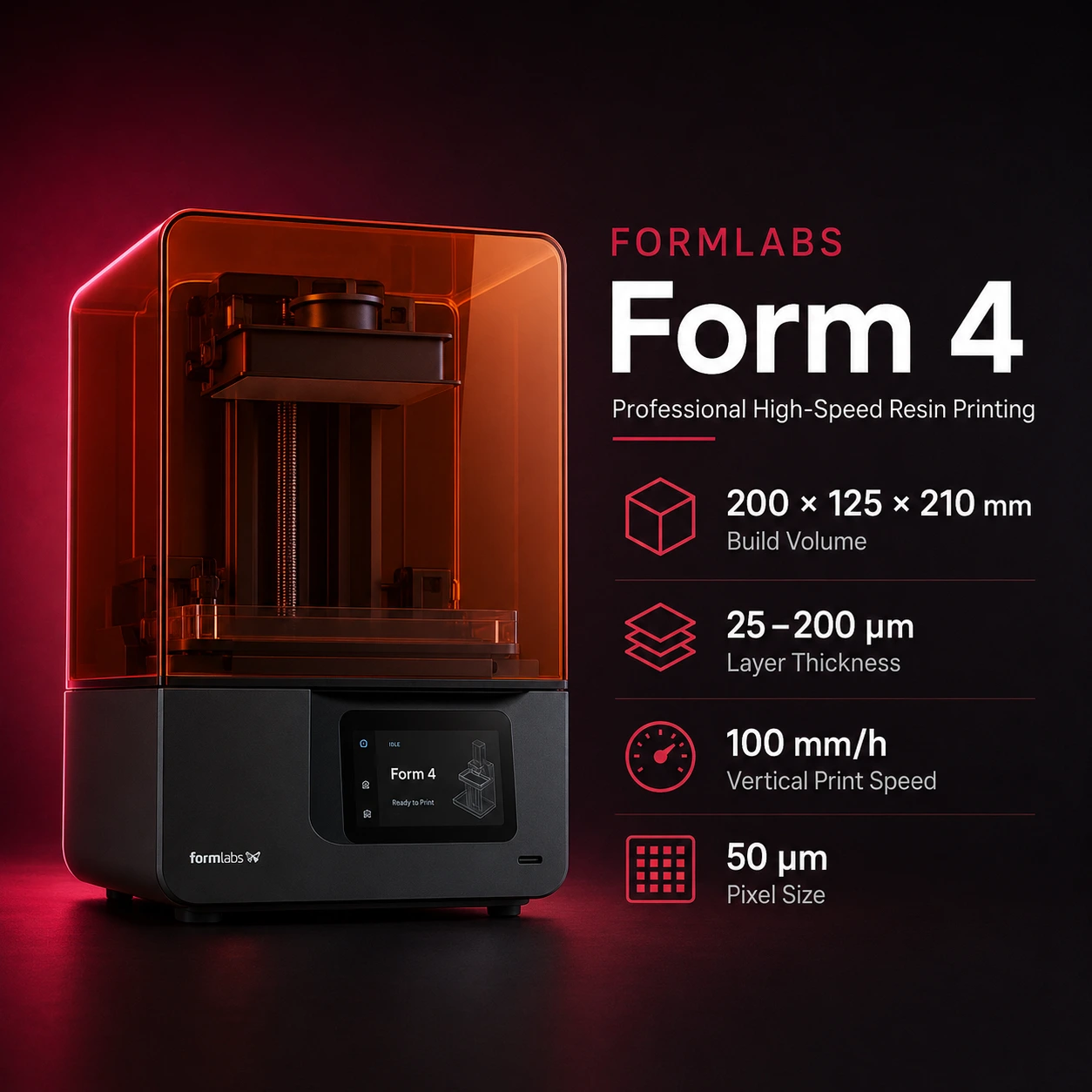
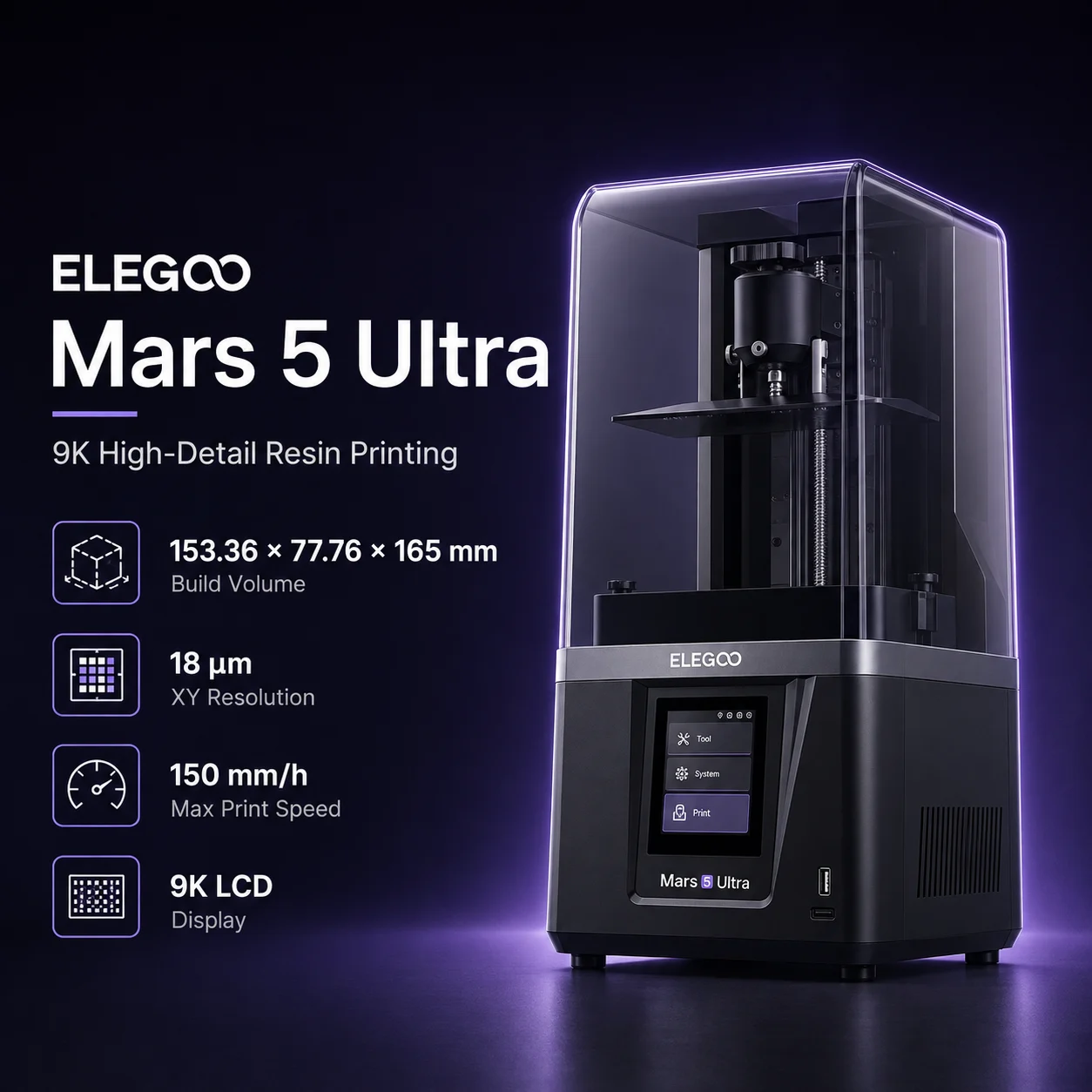
For users comparing other indexed resin printers, the ELEGOO Mars 5 Ultra represents a more compact consumer-focused MSLA option, while the Formlabs Form 4 targets a more integrated professional resin workflow.
The P1 uses dual linear rails and a ball screw for Z motion.
Anycubic publishes ±0.01 mm repeat positioning accuracy for this system. That is useful for consistent layer positioning, but it should not be confused with complete part accuracy.
Final dimensional results also depend on:
The precision-ground steel build plate is also designed to improve flatness and repeatable first-layer adhesion.
The P1 includes Auto-Leveling 3.0 with feedback rather than relying only on a manual paper-leveling routine.
Current Anycubic documentation describes:
These systems reduce routine setup, but they do not eliminate the need to keep the vat, release film, build plate, and resin clean.
Anycubic labels some inspection functions as AI-assisted.
The manufacturer's current note says AI detection is disabled by default and enabling it triggers a video-recording warning. Treat these functions as monitoring aids rather than a guarantee that every failed print will be detected.
Each MSLA layer has to separate from the release film before the next layer can be exposed.
The Photon P1 uses Dynamic Release 3.0 to monitor layer-separation force and adjust lift behavior. Anycubic also uses dynamic light-off compensation to account for resin flow-back time between layers.
These controls are especially relevant with:
Anycubic also markets its Wave Release system as reducing peel force compared with a conventional smooth NFEP workflow under its own testing. Because peel force depends heavily on model geometry and resin, treat percentage claims as manufacturer test results rather than a universal improvement for every print.
The Photon P1 includes a temperature-controlled vat with approximately 1 L capacity.
Anycubic states that the system can maintain resin temperature up to 40°C.
Temperature control matters because many photopolymer resins become more viscous when cold. A stable, warmer vat can improve:
The heater controls the resin, not the entire printer chamber. For catalog purposes, the Photon P1 should therefore not be marked as having a heated chamber.
Recommended use: Follow the exact resin manufacturer's temperature and exposure guidance. Higher temperature is not automatically better for every resin.
Anycubic lists the Photon P1 as compatible with all Anycubic resins and designed to handle resin viscosity up to approximately 8000 cP.
Relevant families include:
Third-party 405 nm resin may work, but exposure, lift, temperature, and post-curing settings should be validated rather than copied blindly from another printer.
The P1's heated vat is particularly useful for thick formulations because warming can reduce viscosity and improve refill behavior.
That does not remove the need for slower lift settings or resin-specific exposure calibration when a material requires them.
The optional Dual-Material Print Kit is one of the P1's more unusual accessories.
Anycubic describes it as enabling simultaneous dual-color or dual-material printing for multi-part models.
This can be useful when:
Important: The optional kit is not standard equipment with the base Photon P1.
Important: Anycubic specifically frames the feature around multi-part models. Do not describe it as unconstrained two-resin co-printing inside any arbitrary connected geometry.
Users considering the kit should verify model-layout rules, vat configuration, slicer support, and resin compatibility before purchase.
The Photon P1 supports:
Anycubic lists:
as supported slicing options.
Photon Workshop 4.0 adds Anycubic's own support-generation and remote-workflow features, while third-party slicers can be useful for users already invested in established resin-printing workflows.
A successful MSLA print is not finished when it leaves the build plate.
Typical resin workflow includes:
Warning: Uncured photopolymer resin can irritate skin and should be handled with appropriate gloves and eye protection. Use suitable ventilation and follow the resin safety data sheet.
The optional AirPure 2.0 can help reduce odors inside the printer, but it should not be treated as a substitute for ventilation or safe resin handling.
| Printer | Main Difference | Better Fit |
|---|---|---|
| Anycubic Photon P1 | 223 × 126 × 230 mm, heated vat, automated checks, optional dual-material kit | High-detail desktop production and temperature-controlled resin workflows |
| ELEGOO Mars 5 Ultra | Smaller consumer-focused MSLA platform | Compact hobby and miniature printing |
| Formlabs Form 4 | Professional resin ecosystem with tightly integrated materials and workflow | Business, engineering, dental-lab, and validated professional workflows |
The Photon P1 sits between low-cost hobby resin printers and more tightly controlled professional systems. Its strongest differentiators are the heated vat, mechanical Z-axis design, automated checks, and optional dual-material accessory.
Anycubic's main US/global and EU product specifications publish a 0.02–0.15 mm layer-height range.
A Canadian regional page currently lists 0.012–0.15 mm.
Because those official pages conflict, this catalog uses 20 µm as the top-level minimum layer height to match the primary US/global specification rather than silently choosing the more aggressive regional value.
If Anycubic later standardizes the specification, this field should be refreshed.
The dedicated Anycubic US store showed the standalone Photon P1 at US$599 when checked on August 12, 2026, discounted from a US$699 reference price.
The page also showed Add to cart and an estimated shipping time of 24 hours, so the current US listing is treated as available.
Pricing and stock can change quickly. Confirm the current offer on the official US product page before purchase.
Recommended use: Choose the Photon P1 when you want a high-detail desktop MSLA printer with a relatively large 6.5 L build volume, automatic leveling feedback, a heated resin vat, and support for thick engineering-oriented resins. Consider the optional dual-material kit only when its multi-part dual-resin workflow solves a real production need.
The Photon P1 provides a 223 × 126 × 230 mm build volume, or approximately 6.5 liters.
Anycubic publishes a 16.8 × 24.8 µm XY pixel size on its 10.1-inch 14K LCD.
The main US/global specification lists 0.02 mm, or 20 microns. A Canadian regional page lists 0.012 mm, so this catalog uses the primary US/global 20-micron figure until Anycubic reconciles the regional specifications.
Anycubic specifies 25–35 mm/h when printing standard resin at 0.05 mm layers. That is a vertical resin-printing rate under stated conditions, not an FDM-style movement speed.
Yes. It uses Auto-Leveling 3.0 with feedback, including a pre-print leveling self-check and force-based leveling assistance.
Yes. Its temperature-controlled vat can maintain resin temperatures up to about 40°C.
Anycubic states that the Photon P1 is designed for resins up to approximately 8000 cP.
Yes, with the optional Dual-Material Print Kit. Anycubic describes the feature as simultaneous dual-color or dual-material printing for supported multi-part models.
No. It is an optional accessory.
Anycubic lists Photon Workshop, CHITUBOX, Lychee, and Tango.
Yes. The official specification lists USB 2.0, 2.4 GHz Wi-Fi, and LAN.
No. It heats the resin vat, not the entire print chamber.
The dedicated Anycubic US store showed a US$599 sale price when checked on August 12, 2026. Pricing and stock can change, so check the current manufacturer listing.