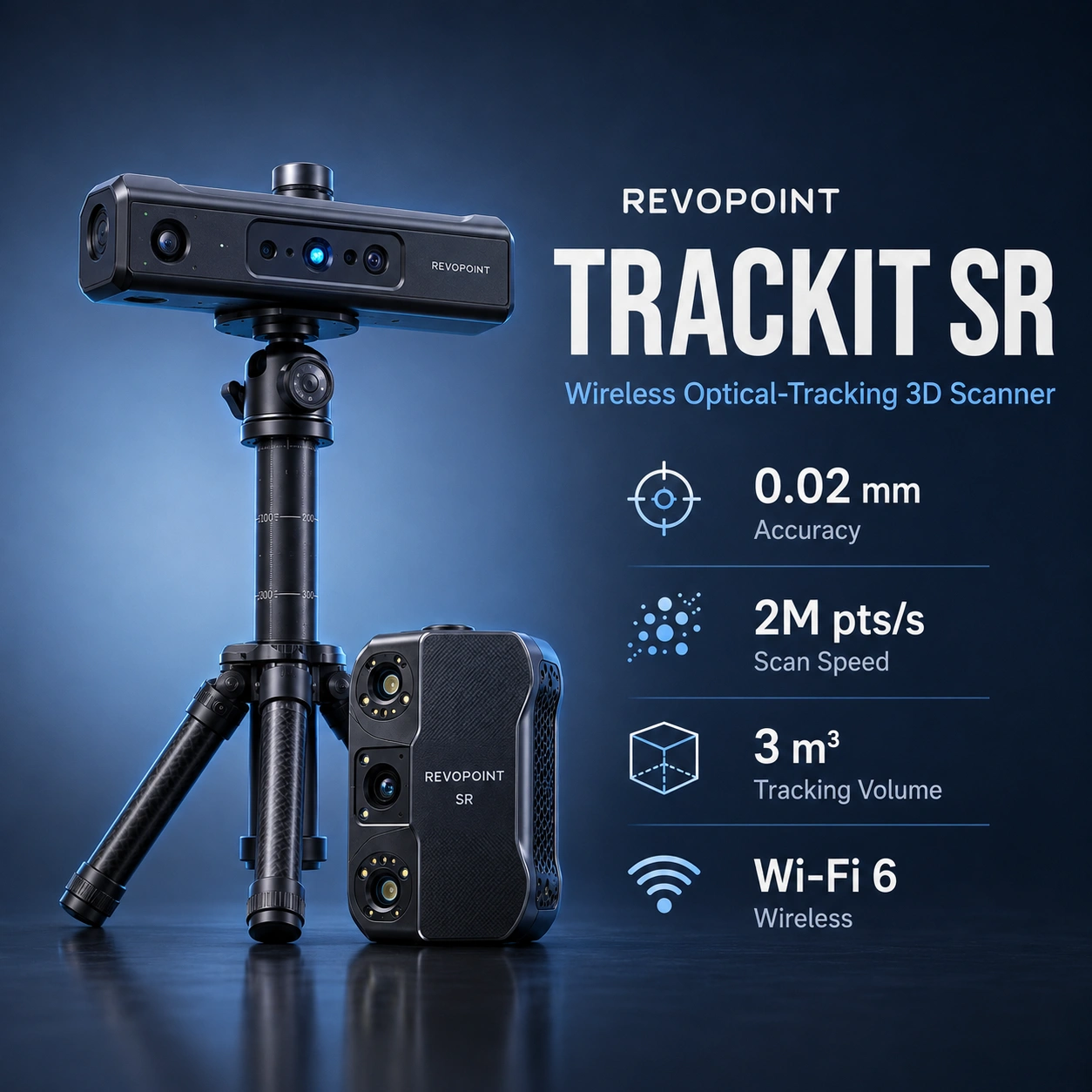
Intelligent DesignIndustrialNext-GenHigh Accuracy ScanningProfessional Blue LaserReverse Engineering ReadyIndustrial Inspection ScannerAdvanced Metrology ScanningMulti-Mode 3D Scanning
RRevopoint Trackit 3D
Revopoint Trackit 3D
Compact row for standout or scanner-specific features only.
# Revopoint MetroX Pro Standard Edition
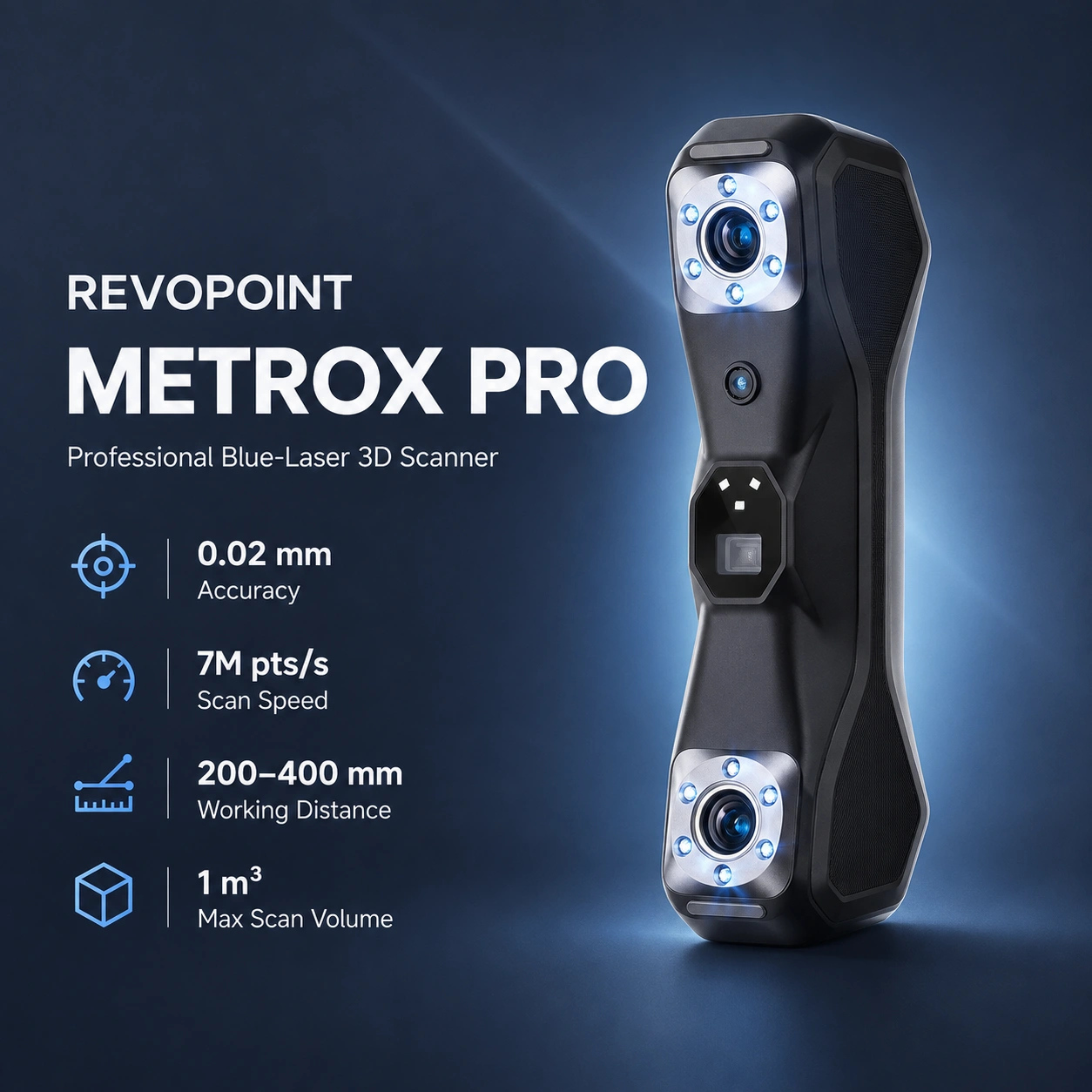
The Revopoint MetroX Pro Standard Edition is a professional blue-light 3D scanner for reverse engineering, dimensional capture, quality control, additive manufacturing, rapid prototyping, automotive work, and product development. It supports both handheld and desktop workflows, combining multi-line blue-laser scanning with full-field blue structured light for small-to-medium objects.
Compared with the original MetroX, the Pro version increases the laser-line count, improves volumetric accuracy, raises multi-line laser scan speed, and adds PC-to-mobile scan streaming through Revo Mirror.
MetroX Pro provides four workflows using blue laser and full-field structured light.
| Specification | Value |
|---|---|
| Scanning type | Handheld and desktop |
| Technology | Multi-line blue laser and full-field blue structured light |
| Scannable object size | Small to medium |
| Single-frame accuracy | Up to 0.02 mm |
| Single-frame precision | Up to 0.01 mm |
| Volumetric accuracy | 0.02 mm + 0.04 mm × L (m) |
| Fused point distance | Up to 0.05 mm |
| Multi-line laser speed | Up to 2,000,000 points/s |
| Full-field structured-light speed | Up to 7,000,000 points/s |
| Working distance | 200–400 mm |
| Capture area | 160 × 70 mm at 200 mm to 320 × 215 mm at 400 mm |
| Scan volume | 10 × 10 × 10 mm to 1 × 1 × 1 m |
| Angular field of view | 43 × 33° |
| RGB camera | 2 MP |
| Fill lights | 12 blue LEDs |
| Tracking | Feature, Marker, Global Marker |
| Outdoor scanning | No |
| Connectivity | USB Type-C to Type-C |
| Power | DC 12V, 3A |
| Weight | 508 g |
| Dimensions | 209 × 88 × 44 mm |
| Output formats | PLY, OBJ, STL, ASC, 3MF, GLTF, FBX |
| User recalibration | Yes |
| Laser class | Class 2M |
Note: Accuracy and precision are manufacturer laboratory specifications. Actual results depend on calibration, surface condition, scan geometry, environment, tracking quality, and operator technique.
MetroX Pro supports Feature, Marker, and Global Marker tracking. Feature tracking is intended for geometrically detailed objects, Marker tracking helps with smooth or featureless parts, and Global Marker tracking is intended to improve volumetric accuracy across larger scanning projects.
The official scan-volume range is 10 × 10 × 10 mm to 1 × 1 × 1 m, although the scanner is primarily optimized for small-to-medium workpieces.
Important: Laser-line scanning modes require markers for tracking. Marker-free scanning applies to suitable feature-rich objects in structured-light workflows rather than to the laser modes.
For high-accuracy marker workflows, Revopoint recommends sufficient marker coverage in every frame and 6 mm markers for demanding accuracy requirements.
The Cross-Line and Parallel-Line laser modes can scan many black, dark, or shiny surfaces directly. Scanning spray may still improve detail and stability on difficult surfaces.
Transparent or specular surfaces require scanning spray in multi-line laser workflows. In Full-Field Structured Light, scanning spray is recommended for transparent, black, specular, or highly reflective surfaces. Black surfaces can therefore behave differently depending on scanning mode.
Important: MetroX Pro uses a Class 2M laser projector. Do not look directly into the beam at close range or through magnifying optical instruments, and avoid placing mirror-like reflective surfaces in the beam path.
The MetroX series is not intended for scanning people or animals.
MetroX Pro works with Revo Metro, Revopoint's scanning and processing software for acquisition, alignment, fusion, meshing, editing, and export.
Revo Metro exports meshes and point-cloud data for CAD, inspection, slicing, and modeling workflows. For scan-to-print projects, prepared models can move into additive workflows such as the Formlabs Form 4 for detailed resin prototypes or FDM platforms such as the Prusa CORE One+ and Bambu Lab H2D, after appropriate mesh repair, CAD reconstruction, and slicing.
MetroX Pro connects directly to a computer through USB Type-C and supports Windows 10/11 64-bit and macOS 11 or later through Revo Metro.
Note: Revopoint states that dedicated-GPU acceleration is used for laser-line scanning. Current Windows GPU acceleration guidance is centered on supported NVIDIA RTX hardware; AMD and Mac GPUs do not provide the same laser-line acceleration path.
Recommended use: Higher-performance hardware is preferable for dense point clouds, high frame rates, large meshes, scan-to-CAD work, and professional inspection.
The MetroX Pro Standard Edition includes:
Note: Power-adapter configuration may vary by country or region.
The MetroX Pro Advanced Edition adds the Marker Block Kit to the Standard Edition package. The kit includes magnetic and shaped marker blocks intended to speed setup for featureless objects.
For additive-manufacturing workflows, MetroX Pro can capture an existing component, transfer the mesh into CAD or repair software, and prepare a replacement or prototype for systems such as the Formlabs Form 4, Prusa CORE One+, or Bambu Lab H2D, depending on required material, accuracy, and part size.
| Feature | MetroX Pro | MetroX |
|---|---|---|
| Single-frame accuracy | Up to 0.02 mm | Up to 0.02 mm |
| Volumetric accuracy | 0.02 mm + 0.04 mm × L | 0.025 mm + 0.05 mm × L |
| Cross laser lines | 30 | 14 |
| Parallel laser lines | 15 | 7 |
| Multi-line laser speed | Up to 2,000,000 points/s | Up to 800,000 points/s |
| Full-field speed | Up to 7,000,000 points/s | Up to 7,000,000 points/s |
| Full-field / Auto Turntable modes | Yes | Yes |
| PC-to-mobile streaming | Yes | No |
The Pro model's principal upgrades are improved volumetric accuracy, more laser lines, substantially faster multi-line laser acquisition, and Revo Mirror streaming. Single-frame accuracy and maximum full-field structured-light speed remain the same as MetroX.
Recommended use: MetroX Pro is best suited to users scanning small and medium engineering components who need high accuracy, fast blue-laser acquisition, marker-based precision workflows, marker-free structured-light capture of feature-rich parts, and a practical route from scanning to CAD, inspection, or additive manufacturing.
It combines multi-line blue-laser scanning with full-field blue structured-light scanning.
Revopoint specifies up to 0.02 mm single-frame accuracy and volumetric accuracy of 0.02 mm + 0.04 mm × L, where L is the object's length in metres.
Up to 2,000,000 points/s in multi-line laser mode and up to 7,000,000 points/s in full-field structured-light mode.
Revopoint specifies 10 × 10 × 10 mm to 1 × 1 × 1 m, with the scanner primarily intended for small-to-medium objects.
Yes. Revopoint states that markers are necessary for laser scanning modes.
Yes, structured-light scanning can use feature tracking on sufficiently detailed objects. Markers remain useful for smoother or less distinctive geometry and can improve alignment stability.
Cross-Line and Parallel-Line laser modes can directly scan many black or shiny surfaces. Transparent and specular surfaces require spray, while Full-Field Structured Light may also need spray for black or highly reflective objects.
Yes. It has a 2 MP RGB camera, with color scanning supported in Auto Turntable Mode.
Revo Metro is the primary scanning software. Revo Design, Revo Measure, and Revo Mirror extend CAD, inspection, and monitoring workflows.
PLY, OBJ, STL, ASC, 3MF, GLTF, and FBX.
Yes. Reverse engineering and scan-to-CAD are core professional applications.
Yes. Exported meshes can be repaired or reconstructed and prepared for additive-manufacturing workflows, including printers such as the Formlabs Form 4, Prusa CORE One+, and Bambu Lab H2D.
Refer to Revopoint's current MetroX Pro user manual and support documentation.