AI-PoweredIndustrialMulti-Mode Industrial ScanningHigh Accuracy InspectionAdvanced Blue LaserLarge Object Scanning
CCreality
Creality
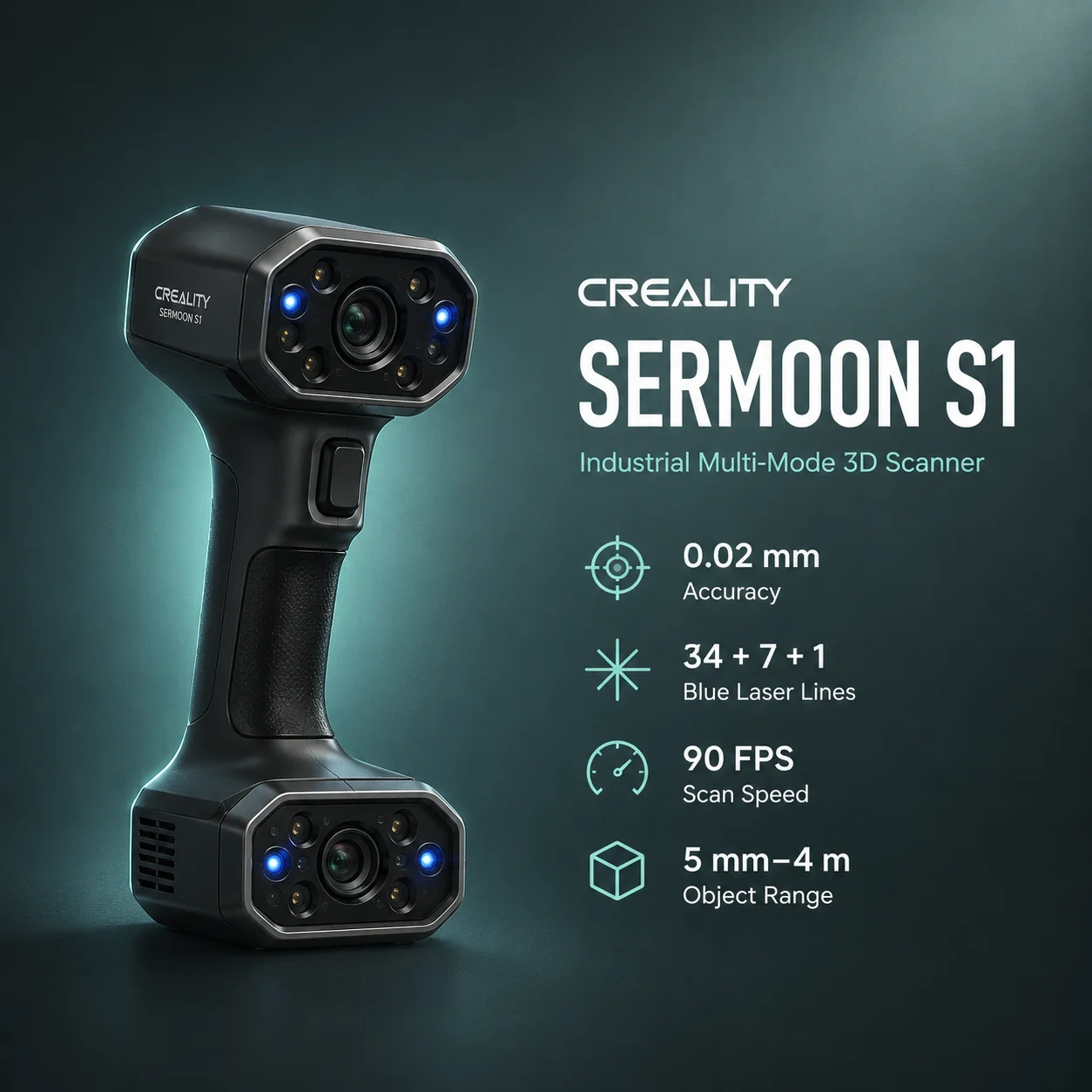
# Creality Sermoon S1
The Creality Sermoon S1 is a professional handheld hybrid 3D scanner designed for reverse engineering, inspection, automotive work, manufacturing, tooling, product development, and large-object digitization.
Its hardware combines three blue-laser modes with two NIR structured-light modes:
That combination gives the Sermoon S1 a wider operating range than a scanner built around only one optical method. The blue-laser modes are the precision-oriented workflows, while the NIR modes trade some dimensional performance for larger capture areas, geometry or texture tracking, and easier scanning of people and larger objects.
Creality publishes up to 0.02 mm accuracy and 0.02 mm + 0.08 mm/m volumetric accuracy for the blue-laser modes. The NIR modes have a different published specification of up to 0.075 mm accuracy and 0.075 mm + 0.1 mm/m volumetric accuracy.
For current manufacturer specifications, see the official Creality Sermoon S1 product page. Current pricing and bundle availability should be checked on the official Creality store.
| Specification | Value |
|---|---|
| Scanning technology | Blue laser + NIR structured light |
| Blue-laser accuracy | Up to 0.02 mm |
| NIR accuracy | Up to 0.075 mm |
| Blue-laser volumetric accuracy | 0.02 mm + 0.08 mm/m |
| NIR volumetric accuracy | 0.075 mm + 0.1 mm/m |
| Single-line scan rate | 108,000 measurements/s |
| 7-line scan rate | 756,000 measurements/s |
| 34-cross-line scan rate | 1,428,000 measurements/s |
| NIR scan rate | Up to 4,600,000 measurements/s |
| Single / parallel laser frame rate | Up to 90 FPS |
| Cross-laser frame rate | Up to 70 FPS |
| NIR frame rate | Up to 30 FPS |
| Blue-laser point distance | 0.05–2 mm |
| NIR point distance | 0.1–2 mm |
| Minimum blue-laser scan volume | 5 × 5 × 5 mm |
| Minimum NIR scan volume | 150 × 150 × 150 mm |
| Maximum object range | Up to approximately 4000 × 4000 × 4000 mm |
| Largest published single capture | 1245 × 754 mm at 1000 mm in long-range NIR |
| Color capture | 2 MP RGB camera |
| Scanner weight | 508 g |
| Scanner dimensions | 225 × 53 × 76 mm |
| Desktop connection | USB 3.0 |
| Wireless/mobile scanning | Optional compatible Scan Bridge |
| Operating temperature | -10°C to 40°C |
| Operating humidity | 10–90% RH |
Important: The Sermoon S1 does not have one universal accuracy, scan-speed, working-distance, or capture-area specification. Those values change by mode.
Note: Measurements per second and frames per second describe different aspects of scanner throughput. They should not be treated as interchangeable metrics.
The three blue-laser modes share the strongest published dimensional specifications, but each is intended for a different geometry.
The single-line mode is designed for deep holes, narrow gaps, recesses, and difficult local features.
Published specifications include:
This mode is most useful when access and local geometry matter more than broad surface coverage.
The parallel-line mode is the detail-focused multi-line workflow.
Published specifications include:
It is a strong fit for detailed mechanical parts, castings, machined features, and smaller reverse-engineering targets.
The crossed-line mode prioritizes faster coverage of medium and larger parts.
Published specifications include:
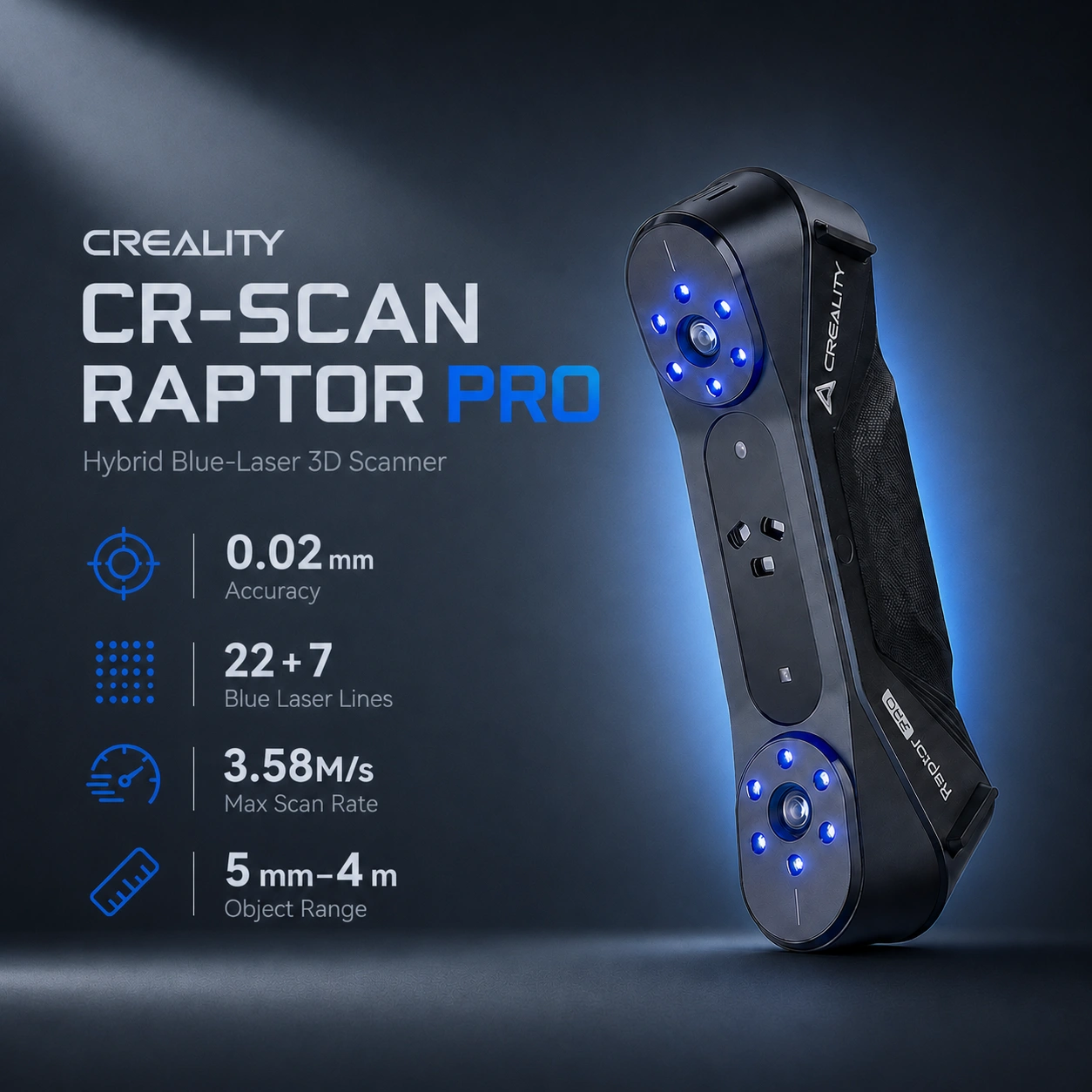
For users comparing another Creality hybrid scanner already indexed on Print3DIndex, see the Creality CR-Scan Raptor Pro. The Sermoon S1 increases crossed-laser coverage from the Raptor Pro's 22 lines to 34 and adds a dedicated single-line mode.
The Sermoon S1 also includes close-range and long-range NIR structured-light workflows.
Creality publishes:
The NIR modes are better suited to large objects, people, broader geometry, and workflows where feature or texture tracking is useful.
Published working distance:
This mode is useful for medium-size objects and human scanning where a relatively close working distance is practical.
Published working distance:
The largest published single-frame area is:
That large capture area helps when scanning vehicles, furniture, sculptures, large panels, or other human-scale objects.
The tracking method changes by optical mode.
Creality lists:
These workflows are particularly useful for smooth, repetitive, or low-feature engineering surfaces.
Creality lists:
That broader tracking set makes NIR more convenient for feature-rich large objects and people.
CrealityScan 4 has also received newer blue-laser marker-free functionality for the Sermoon S1 through software updates. Because scanner behavior can depend on the exact CrealityScan release and scene quality, marker-based blue-laser workflows remain the more conservative choice when dimensional stability is the priority.
The Sermoon S1's working distance is mode-specific:
| Mode | Working Distance |
|---|---|
| Single blue laser | 200–600 mm |
| 7 parallel blue laser lines | 150–400 mm |
| 34 crossed blue laser lines | 200–600 mm |
| Close-range NIR | 170–500 mm |
| Long-range NIR | 200–1200 mm |
Published single-capture examples include:
The practical takeaway is that the S1 can move from small mechanical features to large vehicle-scale geometry without relying on one fixed optical setup.
Creality publishes different ambient-light limits by mode, with supported values reaching up to 100,000 lux in selected blue-laser workflows.
The NIR modes have lower limits than the strongest laser modes, so outdoor capability should not be described as identical across every configuration.
Outdoor scanning still depends on:
For demanding outdoor jobs, choose the optical mode around the surface and required accuracy rather than assuming the highest lux figure applies universally.
Creality positions the Sermoon S1 as capable of directly scanning many black and metallic surfaces in blue-laser workflows.
That can reduce preparation time on:
However, no optical scanner eliminates every difficult-surface problem.
Important: Transparent, mirror-like, highly polished, or strongly specular surfaces may still require scanning spray, exposure changes, or another preparation method.
The Sermoon S1 includes a 2 MP RGB camera and supplemental LEDs for texture capture.
Creality's current specification lists 12 white LEDs for RGB texture illumination.
Color capture is useful for:
For reverse engineering and inspection, geometry usually matters more than texture resolution.
The scanner is normally used over USB 3.0 with a desktop computer.
Wireless scanning requires optional compatible hardware such as Creality's Scan Bridge.
With the supported wireless setup, Creality provides Android and iOS workflows through the CrealityScan mobile application.
Important: Wireless operation is not built into the standalone scanner. Treat the Scan Bridge or compatible wireless handle as an optional accessory.
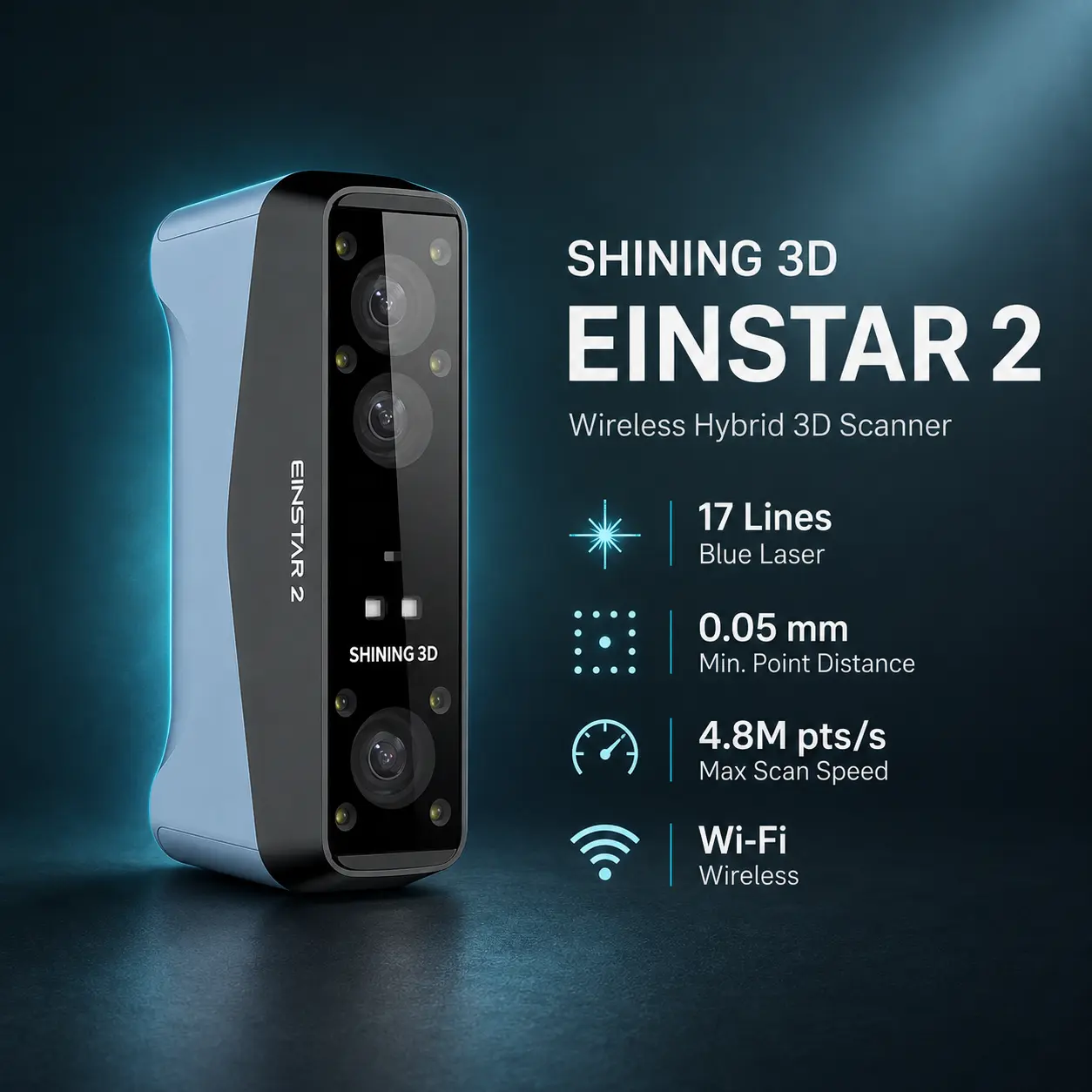
For users prioritizing an integrated portable workflow, the indexed SHINING 3D EINSTAR 2 takes a different approach with built-in wireless capability.
The Sermoon S1 uses CrealityScan 4 for calibration, capture, fusion, meshing, alignment, editing, and export.
Creality's current scanner documentation lists the following output formats:
Fusion, mesh, and textured-model export options vary by processing stage.
The current Creality Sermoon S1 software manual should be treated as the primary reference for current workflow details.
Exported scan data can feed downstream tools such as:
A 3D scanner does not automatically create a clean parametric CAD model. Reverse engineering still normally requires mesh cleanup, reference geometry, surface reconstruction, and validation.
The Sermoon S1 is strongest when a project needs both fine local scanning and broader object coverage.
Typical workflow:
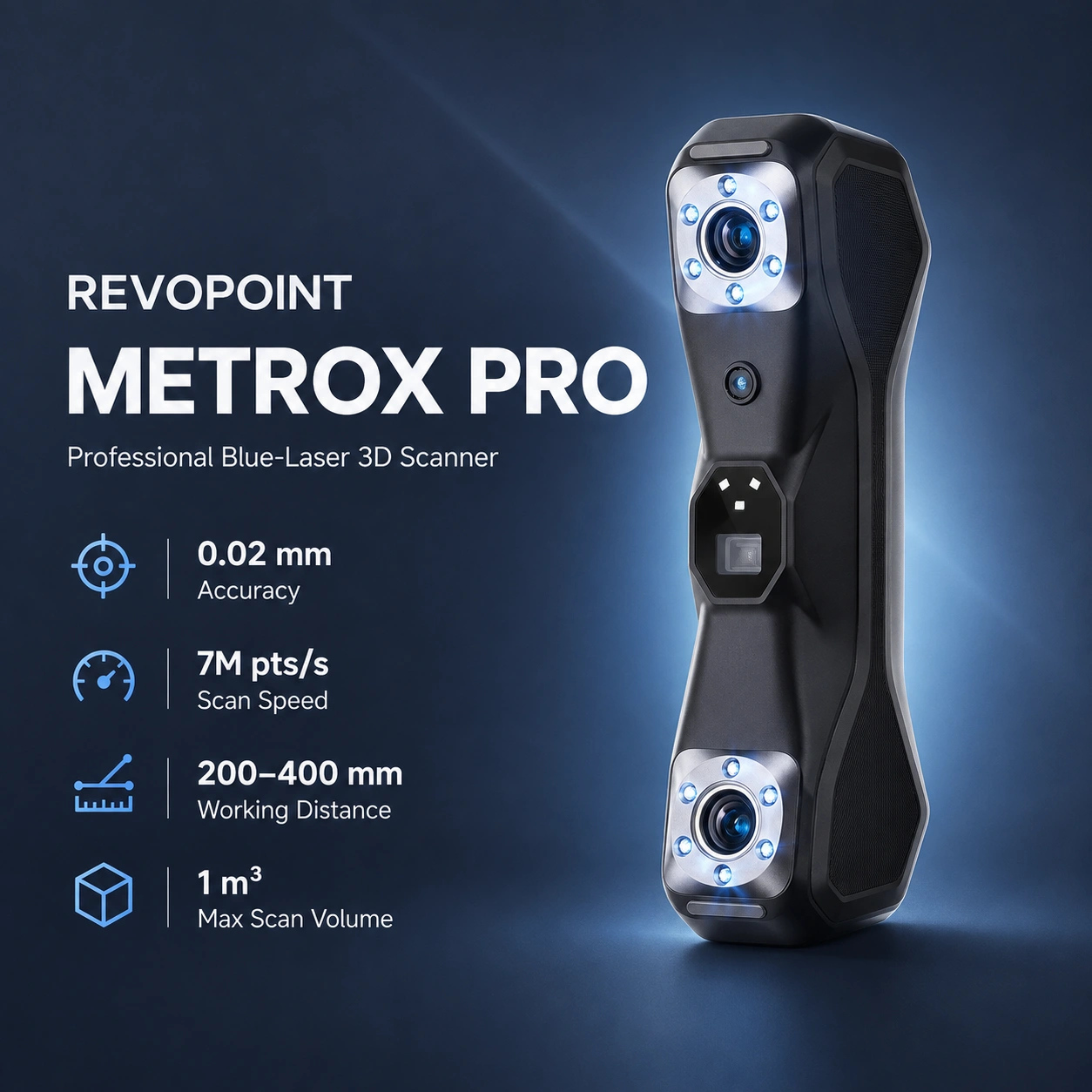
For a more compact precision-oriented scanner already indexed on Print3DIndex, compare the Revopoint MetroX Pro.
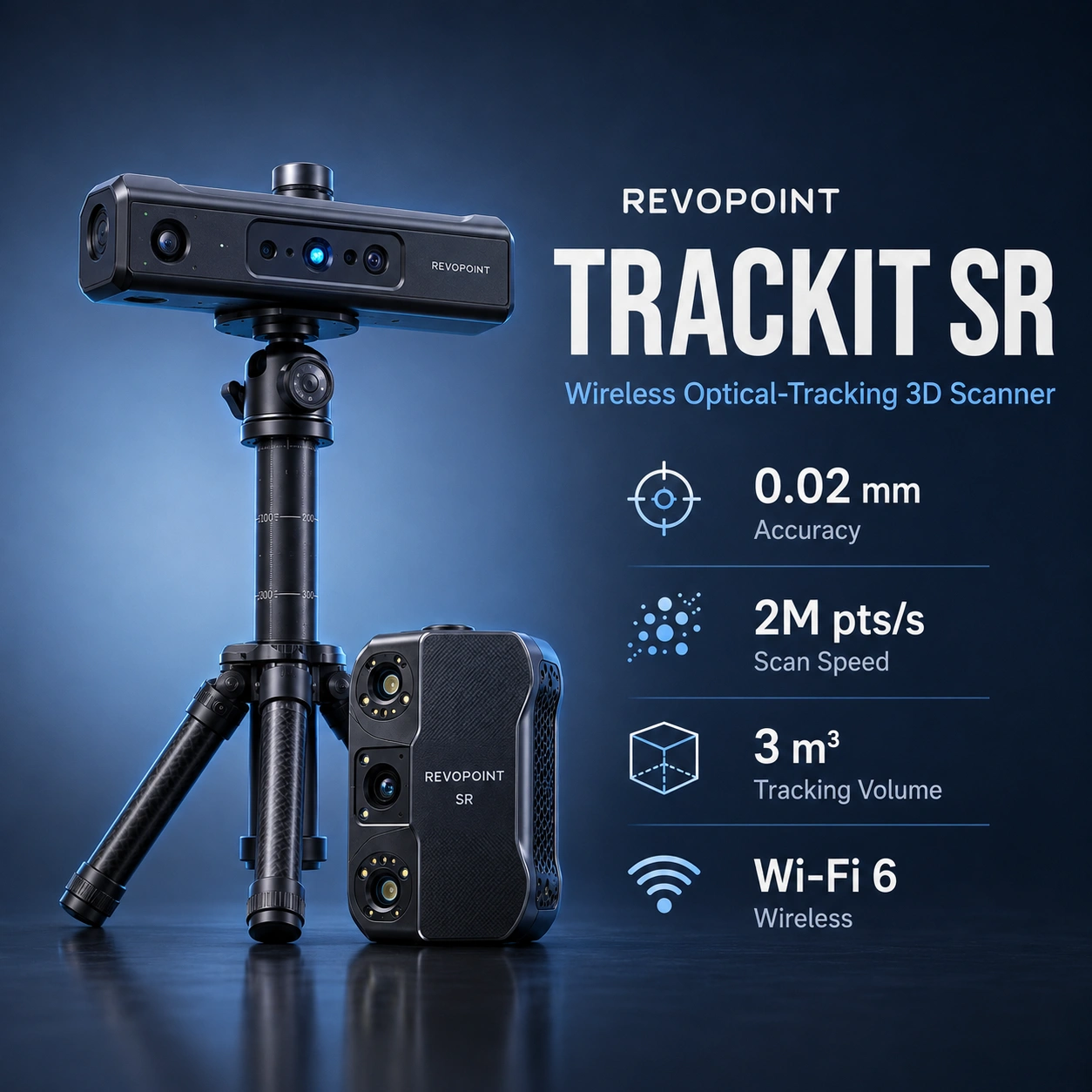
For external optical tracking across medium and larger engineering parts, compare the Revopoint Trackit SR.
The Sermoon S1 is well suited to mixed automotive work because its modes cover several scale ranges.
The key is to avoid combining the 0.02 mm blue-laser accuracy claim with NIR marker-free convenience as if both characteristics applied simultaneously.
People should be scanned in the appropriate NIR workflow rather than the blue-laser engineering modes.
Creality lists NIR as Class I and supports geometry or texture tracking, making it the relevant mode for face and body scanning.
The blue-laser modes are Class II and should not be presented as the intended human-scanning workflow.
The Sermoon S1 can generate large point-cloud datasets, especially on large objects or high-detail laser scans.
Creality's product page recommends a Windows workstation at approximately:
The minimum published Windows configuration is lower, but dense engineering scans benefit from more RAM and GPU capacity.
For macOS, Creality lists Apple Silicon systems including M1 through M4 with 16 GB RAM on the product specification, while newer broader scanner-system guidance recommends more memory for the professional Sermoon series.
For large production datasets, use workstation capacity above the minimum rather than designing the workflow around the lowest supported configuration.
| Feature | Sermoon S1 | CR-Scan Raptor Pro | MetroX Pro |
|---|---|---|---|
| Best published local accuracy | Up to 0.02 mm | Up to 0.02 mm | Up to 0.02 mm |
| Crossed blue laser lines | 34 | 22 | 30 |
| Parallel blue laser lines | 7 | 7 | 15 |
| Single deep-feature line | Yes | No dedicated single-line mode | No dedicated single-line mode |
| NIR structured light | Yes | Yes | No; uses full-field blue structured light |
| Maximum long-range working distance | 1200 mm in NIR | 1000 mm in NIR | 400 mm |
| Large-object focus | Strong | Strong | Small-to-medium focus |
| Optional wireless/mobile workflow | Yes | Yes | Different accessory/workflow approach |
The Sermoon S1 is the broadest Creality option of these three for users who need precision laser scanning, deep-feature access, and very large NIR capture in one handheld device.
Recommended use: Choose the Sermoon S1 when one scanner must handle detailed engineering parts, deep recessed geometry, medium-to-large automotive components, and broader NIR scanning. Use blue laser when dimensional performance is the priority and NIR when coverage, marker-free tracking, or human scanning matters more.
It combines one single blue laser line, seven parallel blue laser lines, 34 crossed blue laser lines, close-range NIR structured light, and long-range NIR structured light.
Creality publishes up to 0.02 mm accuracy for the blue-laser modes and up to 0.075 mm for the NIR modes.
Blue-laser volumetric accuracy is published as 0.02 mm + 0.08 mm/m. NIR volumetric accuracy is 0.075 mm + 0.1 mm/m.
Single-line and parallel-line blue-laser modes reach up to 90 FPS, crossed-laser mode reaches up to 70 FPS, and NIR reaches up to 30 FPS.
Creality publishes 108,000 measurements/s for single-line laser, 756,000 for seven-line laser, 1,428,000 for 34 crossed lines, and up to 4,600,000 measurements/s in NIR.
Creality lists a 0.05–2 mm point-distance range in blue-laser modes and 0.1–2 mm in NIR. The 0.05 mm value is point distance, not dimensional accuracy.
Blue-laser mode supports minimum objects around 5 × 5 × 5 mm, while Creality positions the overall system for objects up to roughly 4 × 4 × 4 m depending on geometry and workflow.
Blue-laser modes support Marker and Global Marker tracking. NIR also supports geometry and texture tracking. Newer CrealityScan releases add marker-free blue-laser functionality for the Sermoon S1, but marker-based workflows remain useful for demanding engineering surfaces.
Creality states that many black and metallic surfaces can be scanned directly in supported blue-laser modes. Transparent, mirror-like, or highly reflective surfaces may still need preparation.
Yes. Creality publishes mode-specific outdoor-light limits, reaching up to 100,000 lux in selected laser workflows.
Yes, using the NIR workflow. NIR is the intended human-scanning mode.
Yes. The scanner includes a 2 MP RGB camera with supplemental texture lighting.
Current Creality scanner documentation lists PLY, STL, OBJ, and ASC output formats.
Yes, with compatible optional wireless hardware such as the Scan Bridge. The standalone scanner normally connects over USB 3.0.
The primary software is CrealityScan 4. Exported data can then be processed in tools such as QUICKSurface, Geomagic Design X, Geomagic Control X, PolyWorks, Geomagic Wrap, Blender, and CAD software.
Creality's official store has shown changing promotional pricing for the Sermoon S1. At the current August 2026 check, the main official store listed it from about US$1,999. Verify the product page because regional pricing and promotions can change.