Intelligent DesignStandalone Metrology ScanningPhotogrammetric Metrology ScannerAll-in-One Professional ScanningLarge Object Metrology
RRevopoint Trackit 3D
Revopoint Trackit 3D
Compact row for standout or scanner-specific features only.
# Revopoint MIRACO Plus
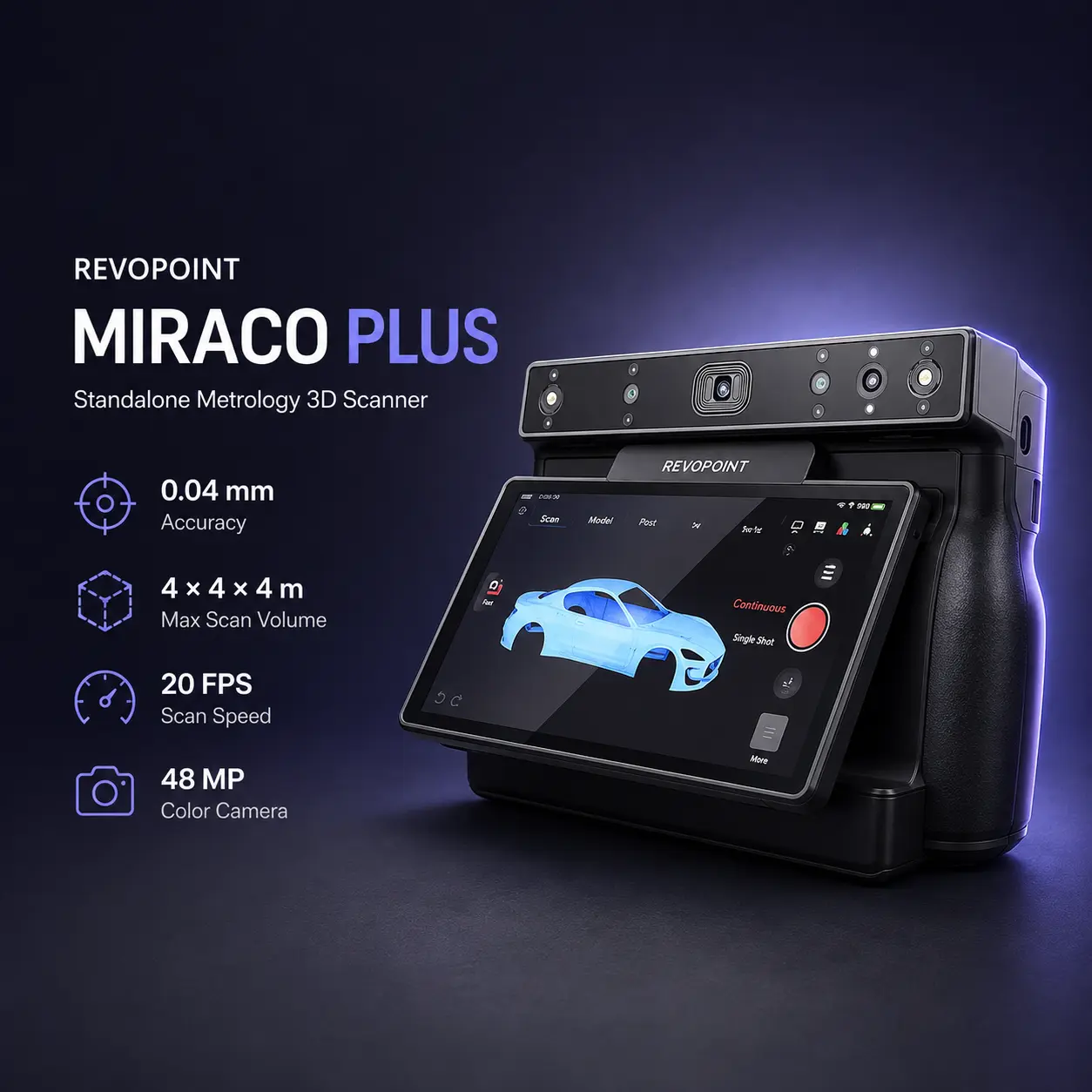
The Revopoint MIRACO Plus is an all-in-one standalone 3D scanner for reverse engineering, large-object scanning, photogrammetric metrology, industrial design, automotive digitization, 3D printing, and full-color capture. It combines quad-camera infrared structured light with 1.5× and 2× infrared optical zoom and an integrated photogrammetric workflow for improving dimensional consistency across larger objects.
Unlike tethered handheld scanners, MIRACO Plus integrates processing hardware, storage, battery power, memory, and a touchscreen into the scanner itself. It can scan and perform core processing without a connected computer, covering small components through objects up to the manufacturer's published 4 × 4 × 4 m maximum scan volume.
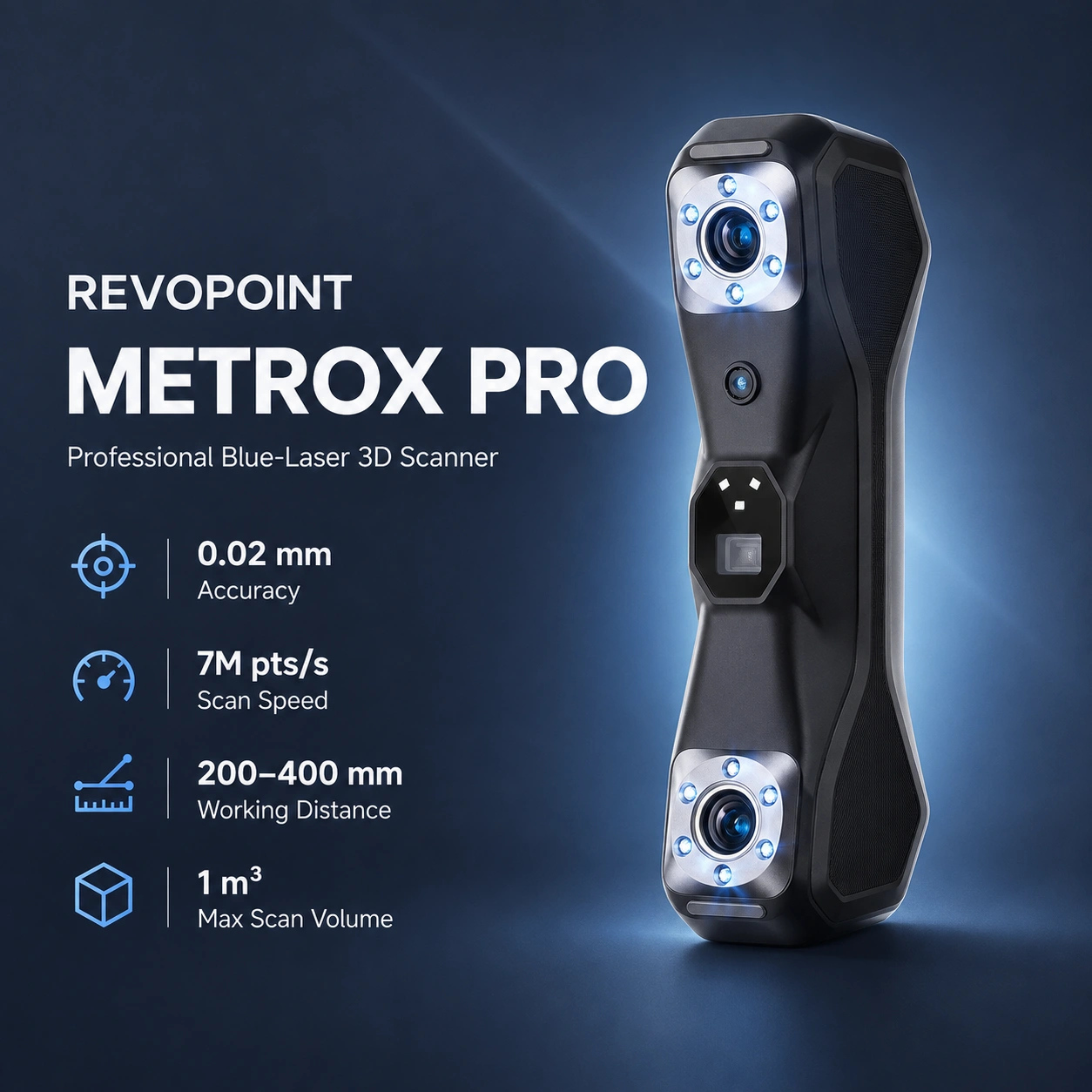
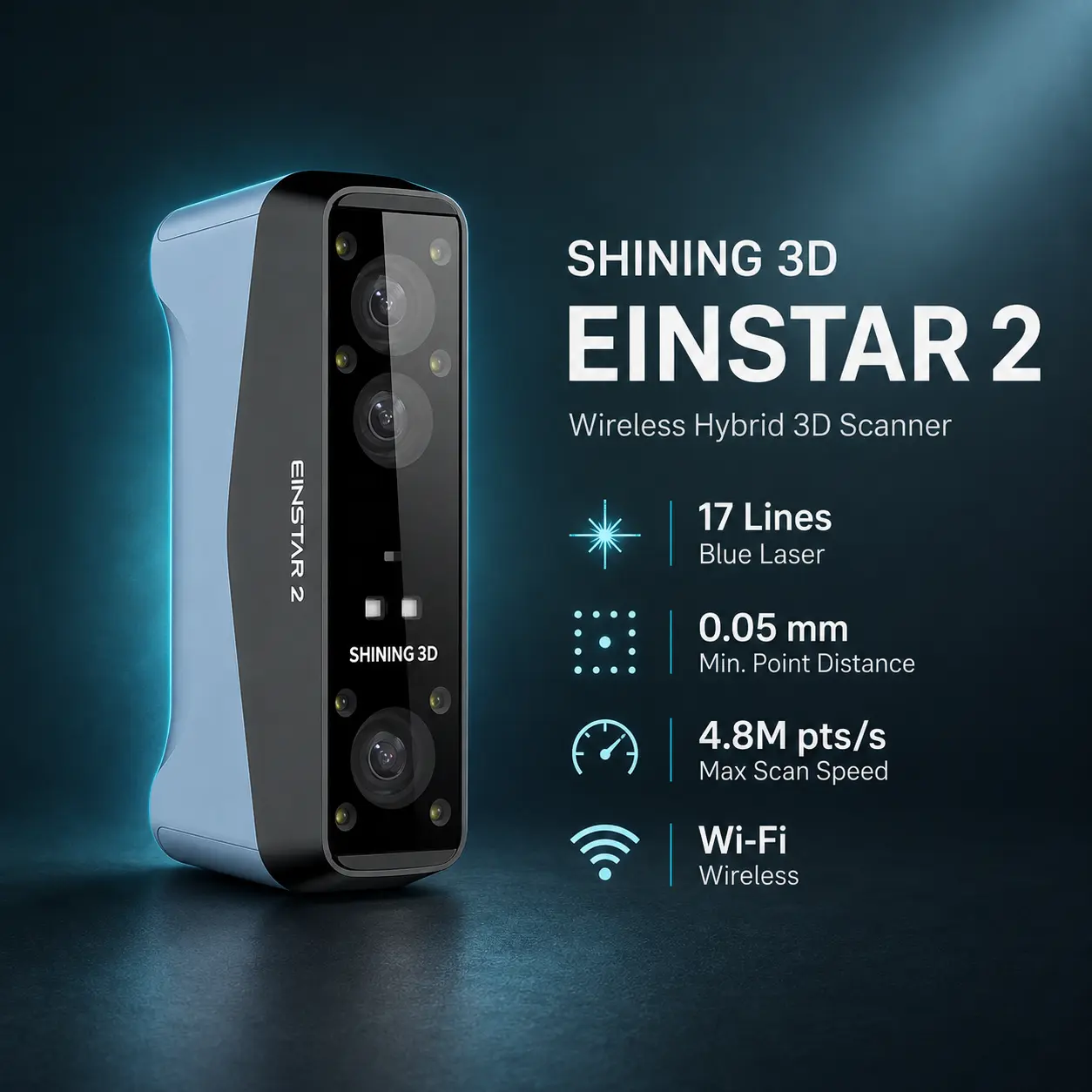
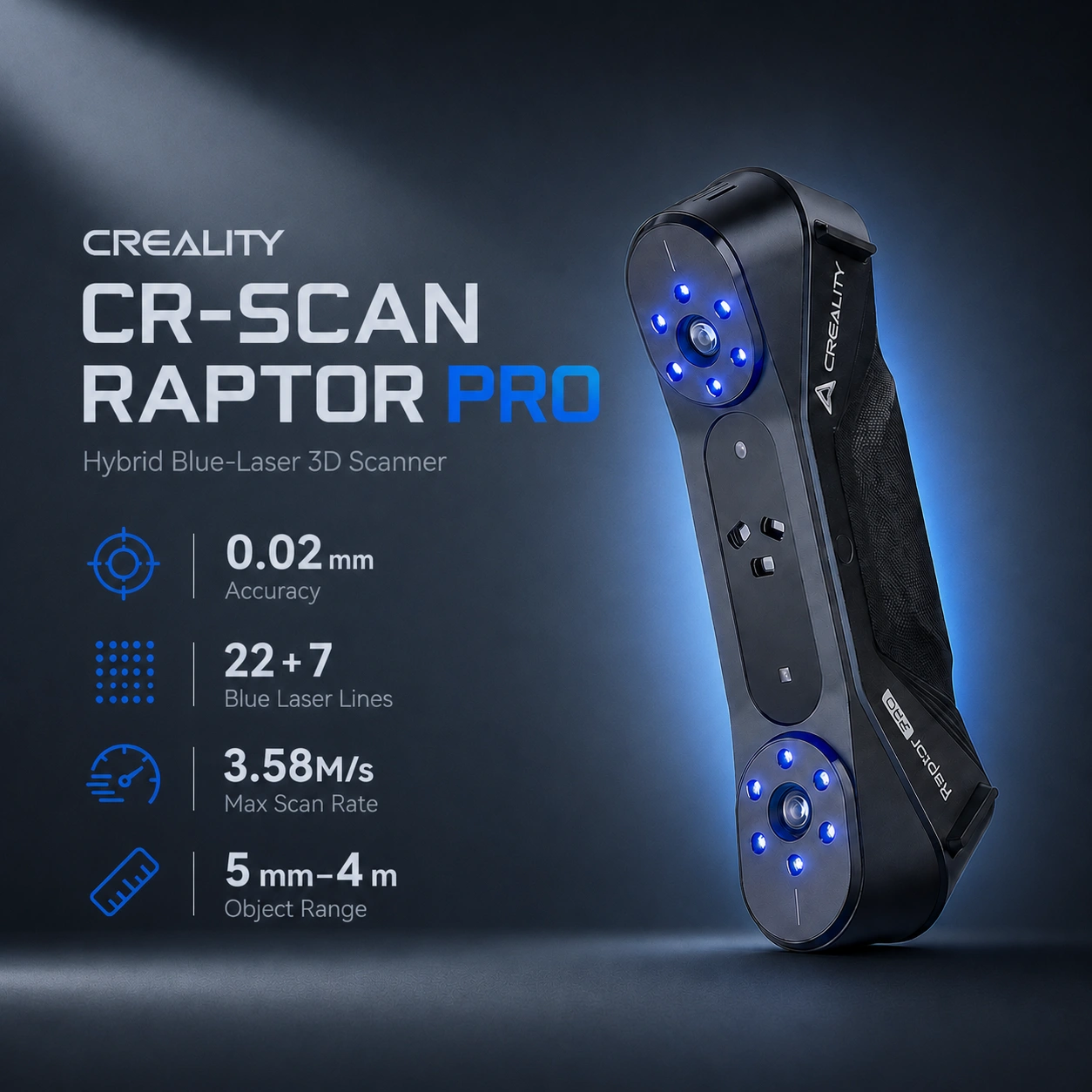
Compared with the MIRACO/MIRACO Pro platform, MIRACO Plus improves single-frame accuracy to 0.04 mm, raises scanning speed to 20 FPS, adds optical zoom, and includes the Photogrammetric Metrology Kit. Buyers comparing professional scanners can also consider the Revopoint MetroX Pro for faster blue-laser engineering capture, the Creality CR-Scan Raptor Pro for hybrid blue-laser/NIR automotive workflows, or the SHINING 3D EINSTAR 2 for built-in wireless and outdoor scanning.
MIRACO Plus uses a quad-camera infrared structured-light system with Near and Far scanning configurations. Near mode targets smaller parts and detailed areas, while Far mode captures larger surfaces. Users can pause and switch between Near and Far modes during a conventional scan.
Its 1.5× and 2× infrared optical zoom concentrates projected infrared light for finer detail capture. The integrated photogrammetric workflow uses coded targets, markers, scale bars, the 48 MP RGB camera, and onboard optimization algorithms to establish global dimensional references across larger objects.
| Specification | Value |
|---|---|
| Scanning technology | Infrared structured light with photogrammetric metrology |
| Single-frame accuracy | Up to 0.04 mm |
| Single-frame precision | Up to 0.02 mm |
| Photogrammetric length accuracy | 0.02 mm + 0.05 mm × L |
| Resolution | Up to 0.05 mm fused point distance |
| Scan speed | Up to 20 FPS |
| Working distance | 100–1,000 mm |
| Maximum scan volume | 4 × 4 × 4 m |
| Nearest capture area | 28 × 53 mm at 100 mm |
| Maximum capture area | 975 × 775 mm at 1,000 mm |
| Angular field of view | Near 40 × 30°; Far 56 × 42° |
| Color camera | 48 MP RGB |
| Optical zoom | 1.5× and 2× infrared |
| Tracking | Feature, Marker, Global Marker |
| Processor | 8-core ARM A76, 2.4 GHz; Mali G52 GPU |
| Position sensor | 9-axis IMU |
| Storage | 256 GB |
| Memory | 32 GB RAM |
| Connectivity | USB Type-C, Wi-Fi 6, Bluetooth 4.1 |
| Battery | Internal 5,000 mAh |
| Weight | 750 g |
| Power | DC 7–11V, 5A; 65W fast charging |
Note: Published accuracy and precision figures are manufacturer laboratory values. Real-world performance can vary with calibration, object characteristics, environmental conditions, and scanning technique.
MIRACO Plus integrates the scanner, 8-core ARM A76 processor, Mali G52 GPU, 32 GB RAM, 256 GB storage, internal battery, and 6-inch 2K AMOLED touchscreen into one portable device. Scans can therefore be captured, fused, meshed, aligned, and initially processed without maintaining a wired connection to a computer.
Feature, Marker, and Global Marker tracking are supported. Feature tracking suits geometrically distinctive objects, Marker tracking helps with smooth or feature-poor surfaces, and Global Marker workflows are relevant to larger and photogrammetric projects.
Recommended use: Use onboard processing for field capture and initial model preparation, then transfer complex projects to a computer when deeper repair, CAD reconstruction, inspection, or advanced alignment is required.
The MIRACO Plus adds a photogrammetric measurement workflow for larger objects. Scale bars, coded targets, and markers establish dimensional references before detailed point-cloud data is captured.
Its stated photogrammetric length accuracy is 0.02 mm + 0.05 mm × L, where L is the maximum measuring distance in metres. At 2 m, the manufacturer's formula corresponds to a nominal 0.12 mm length error under the specified workflow and conditions.
The workflow is especially relevant to automobiles, machinery, ship or aircraft parts, and other large components where accumulated stitching error matters.
Important: Photogrammetric performance depends on correct target placement, scale-bar use, image coverage, and workflow execution. Do not treat the length-accuracy formula as a universal tolerance for every freehand scan.
A 48 MP RGB camera supports full-color texture capture. Infrared fill lights and white flash LEDs assist scanning and texture acquisition under different lighting conditions.
Transparent, dark, or highly reflective objects may require scanning spray or other surface preparation for reliable capture.
MIRACO Plus performs scanning and basic processing directly onboard and also integrates with current Revopoint desktop software.
Point clouds can be exported as PLY, OBJ, or ASC; mesh models support PLY, OBJ, STL, FBX, GLTF, and 3MF; textured models support PLY, OBJ, FBX, and GLTF.
MIRACO Plus can digitize existing parts for replacement, modification, prototyping, and fit-check workflows. After mesh repair or CAD reconstruction, detailed resin reproductions may suit the Formlabs Form 4, while larger functional FDM parts may suit systems such as the Prusa CORE One+, Bambu Lab H2D, or Creality K2 Plus, depending on material, geometry, size, and required accuracy.
Note: A high-quality scan is not automatically manufacturing-ready. Dimensional validation, mesh repair, CAD reconstruction, and design-for-manufacturing checks may still be required.
MIRACO Plus supports USB Type-C, Wi-Fi 6, and Bluetooth 4.1 connectivity. Its internal 5,000 mAh battery supports portable operation, while the scanner supports 65 W fast charging.
The official power requirement is DC 7–11V, 5A.
MIRACO Plus emphasizes standalone operation and large-object photogrammetric measurement. The Revopoint MetroX Pro instead emphasizes high-speed blue-laser engineering capture, while the Creality CR-Scan Raptor Pro and SHINING 3D EINSTAR 2 provide hybrid laser/infrared workflows.
| Feature | MIRACO Plus | Revopoint MetroX Pro | Creality CR-Scan Raptor Pro | SHINING 3D EINSTAR 2 |
|---|---|---|---|---|
| Primary technology | Infrared structured light + photogrammetry | Blue laser + full-field blue structured light | Blue laser + NIR | Blue laser + IR VCSEL |
| Published accuracy | Up to 0.04 mm single-frame | Up to 0.02 mm single-frame | Up to 0.02 mm blue laser | No universal accuracy published |
| Large-object metric | 0.02 mm + 0.05 mm × L photogrammetric length accuracy | 0.02 mm + 0.04 mm × L volumetric accuracy | 0.02 mm + 0.08 mm/m blue laser | No universal large-object accuracy metric |
| Scan rate | Up to 20 FPS | Up to 2M points/s laser; 7M full-field | Up to 660k measurements/s laser; 3.58M NIR | Up to 2.5M points/s laser; 4.8M IR |
| Standalone scanning | Yes | No | No | No |
| Wireless | Wi-Fi 6 onboard | Computer-tethered | Optional Scan Bridge | Built-in Wi-Fi |
| Main strength | Standalone large-object metrology workflow | Fast precision engineering capture | Automotive hybrid scanning | Wireless outdoor and human scanning |
Note: Manufacturers use different accuracy definitions and scan-rate units, so headline figures are not directly interchangeable.
Recommended use: MIRACO Plus is particularly suitable for users who want a completely standalone scanner capable of capturing both detailed components and large objects while adding photogrammetric measurement capability for dimensionally demanding projects.
It uses quad-camera infrared structured-light scanning with optical zoom and integrated photogrammetric metrology.
Revopoint specifies single-frame accuracy up to 0.04 mm and photogrammetric length accuracy of 0.02 mm + 0.05 mm × L, where L is measured in metres.
Revopoint specifies a maximum scan volume of 4 × 4 × 4 m.
The published working-distance range is 100–1,000 mm.
No. It is a standalone scanner with integrated processing hardware, storage, battery, and display.
Yes. It includes a 48 MP RGB camera for full-color texture capture.
It uses scale bars and coded targets to establish dimensional references and improve measurement consistency when scanning larger objects.
MIRACO Plus supports Feature, Marker, and Global Marker tracking.
Supported formats include PLY, OBJ, STL, ASC, 3MF, GLTF, and FBX.
MIRACO Plus performs scanning and processing onboard. Current compatible software includes Revo Scan 6, while Revo Scan 5 remains supported; Revo Design supports scan-to-CAD work and Revo Measure supports inspection and deviation analysis.
Difficult transparent, dark, or highly reflective surfaces may require scanning spray or other surface preparation.
It is suited to reverse engineering, industrial design, large-object scanning, automotive and machinery capture, photogrammetric measurement, product development, and professional 3D digitization.
MIRACO Plus focuses on standalone structured-light scanning and large-object photogrammetric measurement, while the Revopoint MetroX Pro focuses on faster blue-laser capture of small-to-medium engineering parts.
Refer to the official Revopoint MIRACO Plus user manual and current manufacturer support documentation.