TrendingHighly SearchedIntelligent DesignEnclosed CoreXY with AMS SupportMulti-Color CompatibleActivated-Carbon Filtration
BBambu Lab
Bambu Lab
# Bambu Lab P1S
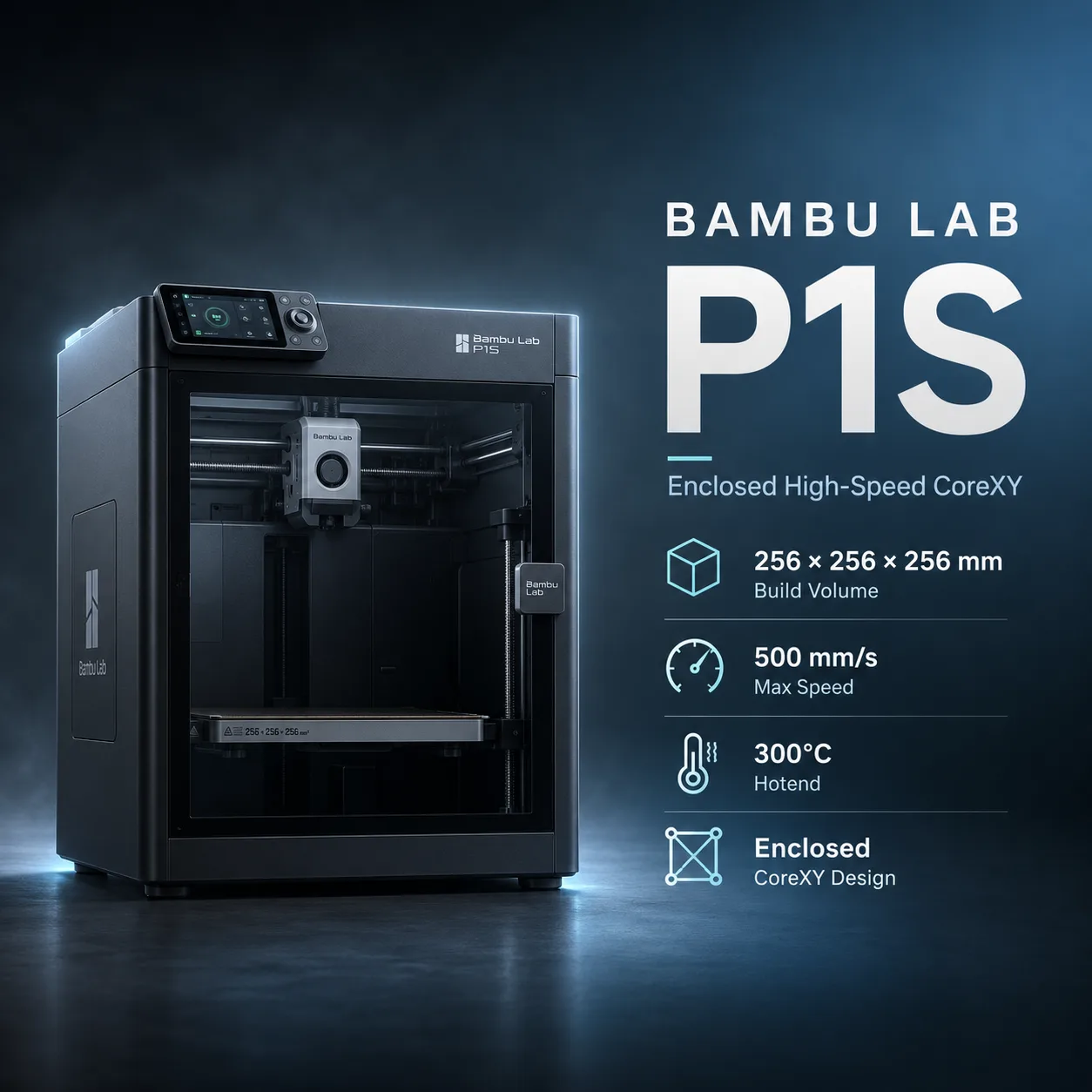
The Bambu Lab P1S is a fully enclosed CoreXY FDM printer built around Bambu Lab's P1 motion platform. It combines a 256 × 256 × 256 mm build volume, automatic bed leveling, vibration compensation, pressure-advance-based extrusion control, auxiliary part cooling, chamber airflow management, an activated-carbon filter, and optional AMS multi-color printing.
Bambu Lab publishes a maximum toolhead movement speed of 500 mm/s and maximum toolhead acceleration of 20,000 mm/s². That 500 mm/s figure is not a universal print-speed rating for every filament or model, so this listing does not map it directly into the catalog's `maxPrintSpeedMmS` field.
The P1S has a 300°C all-metal hotend, 100°C maximum build-plate temperature, and a fully enclosed body, making it better suited than an open-frame printer to ABS, ASA, and other temperature-sensitive materials. The chamber is enclosed but not actively heated.
The stock hotend uses a 0.4 mm stainless-steel nozzle, and the standard extruder hardware is also designed primarily around general-purpose materials. Bambu Lab specifically advises upgrading to hardened-steel hotend and extruder components before regular use of abrasive carbon- or glass-fiber-filled filaments.
For current pricing and availability, see the official Bambu Lab P1S US store page. For current technical documentation, see the Bambu Lab P1 Series Wiki.
| Specification | Value |
|---|---|
| Printing technology | FDM / FFF |
| Motion system | CoreXY |
| Build volume | 256 × 256 × 256 mm |
| Standard nozzle | 0.4 mm stainless steel |
| Optional nozzle diameters | 0.2, 0.6, 0.8 mm |
| Typical 0.4 mm profile layer-height range | 0.08–0.28 mm |
| Maximum hotend temperature | 300°C |
| Maximum build-plate temperature | 100°C |
| Maximum toolhead movement speed | 500 mm/s |
| Maximum toolhead acceleration | 20,000 mm/s² |
| Published maximum hotend flow | 32 mm³/s under Bambu Lab's stated ABS test |
| Chamber | Fully enclosed |
| Active chamber heating | No |
| Auxiliary part cooling | Yes |
| Chamber airflow regulation | Yes |
| Air filtration | Activated-carbon filter |
| Camera | 1280 × 720, 0.5 fps |
| Display | 2.7-inch 192 × 64 screen |
| Storage | MicroSD card |
| Connectivity | 2.4 GHz Wi-Fi, Bluetooth BLE 5.0 |
| Native Ethernet | No |
| Electrical input | 100–240 VAC, 50/60 Hz |
| Maximum power | 1000 W at 220 V / 350 W at 110 V |
| Dimensions | 389 × 389 × 457 mm |
| Net weight | 12.95 kg |
Critical speed note: Bambu Lab's official specification is 500 mm/s maximum toolhead movement speed. Actual printing speed depends on material, volumetric flow, geometry, cooling, acceleration, layer height, and slicer settings.
Build-volume note: Bambu Studio may reserve a small part of the nominal build area for cutter or safety clearance in some conditions. Follow Bambu Lab's current Wiki guidance when attempting to use the full nominal 256 mm height or full XY area.
Bambu Lab separates P1S material support into ideal and capable groups.
The enclosure makes ABS and ASA substantially more practical than on an open-frame printer, but the P1S still lacks active chamber heating. Large warp-prone PA or PC parts can therefore be more demanding than the same material on a printer with controlled chamber heat.
For indexed material examples, compare Prusament PETG, Prusament ASA, and Prusament TPU 95A.
The stock P1S uses a stainless-steel nozzle and standard extruder components.
Bambu Lab's own maintenance guidance warns that stainless steel is not ideal for regular abrasive-material use and shows that carbon-fiber filament can rapidly enlarge the nozzle orifice.
For repeated printing with materials such as:
Bambu Lab recommends upgrading to:
A 0.6 mm hardened nozzle is also commonly preferable for fiber-filled materials because it reduces clogging risk.
Important: The P1S can be upgraded for abrasive composites, but stock P1S hardware should not be described as ideal for routine CF/GF printing.
For a demanding indexed composite example, see Prusament PC Blend Carbon Fiber.
The P1S is fully enclosed but does not have a dedicated chamber heater.
Its thermal-management system uses:
The enclosure helps stabilize the print environment for ABS and ASA, while the chamber fan can remove excess heat when needed.
For PLA and some low-temperature materials, Bambu Lab may recommend opening the enclosure or removing the top glass depending on bed temperature and ambient conditions to reduce heat-creep risk.
The P1S includes an activated-carbon filter.
Activated carbon can help reduce odors and some volatile organic compounds generated during printing, particularly with materials such as ABS and ASA.
It is not a HEPA particulate filter and should not be treated as a substitute for appropriate room ventilation.
Safety note: When printing higher-emission materials, use suitable ventilation and follow the filament manufacturer's safety guidance even when the printer's carbon filter is installed.
The P1S automates the main setup steps that typically require manual calibration on traditional desktop printers.
Standard functions include:
The P1S does not use the micro-lidar system found on some Bambu flagship platforms, so lidar-based first-layer inspection or similar X1-series functions should not be attributed to it.
The integrated chamber camera is specified at:
It supports:
This is a low-frame-rate monitoring camera rather than a high-frame-rate video system.
The P1S is compatible with Bambu Lab's AMS ecosystem.
Bambu's current store documentation lists compatibility with:
A supported multi-AMS configuration can reach up to 16 colors.
The AMS can automate loading and unloading, but material compatibility still matters.
For example:
Multi-color capability is therefore not the same as universal multi-material compatibility.
The P1S provides:
Bambu Lab does not list native Ethernet for the P1S.
The printer's Wi-Fi specification is IEEE 802.11 b/g/n in the 2.4 GHz band rather than dual-band Wi-Fi.
The primary slicer is Bambu Studio.
Bambu Lab also notes that third-party slicers capable of exporting standard G-code can be used, although certain Bambu-specific functions may not be available outside the official workflow.
Bambu Studio provides:
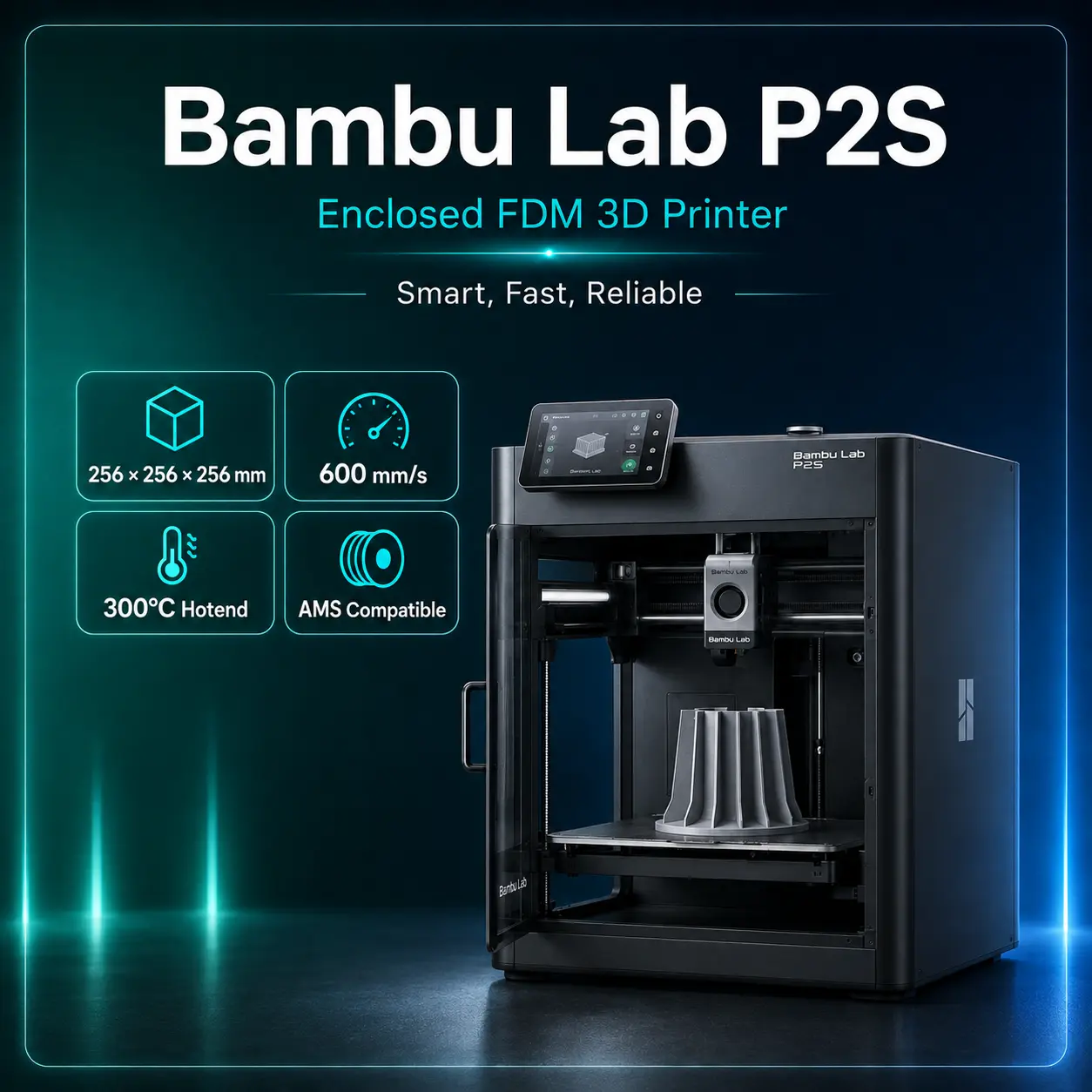
The Bambu Lab P2S is the newer P-series platform and should be part of the buying decision when comparing current models.
| Feature | P1S | P2S |
|---|---|---|
| Build volume | 256 × 256 × 256 mm | Current P-series successor platform |
| Enclosure | Yes | Yes |
| Active chamber heating | No | No |
| Stock P1S nozzle | Stainless steel | Newer hardened-hardware implementation differs |
| AMS support | Yes | Yes |
| Positioning | Proven lower-cost P-series workhorse | Newer-generation P-series option |
The P1S remains attractive when its price is substantially lower, while P2S is the more current platform for buyers who prioritize newer hardware and features.
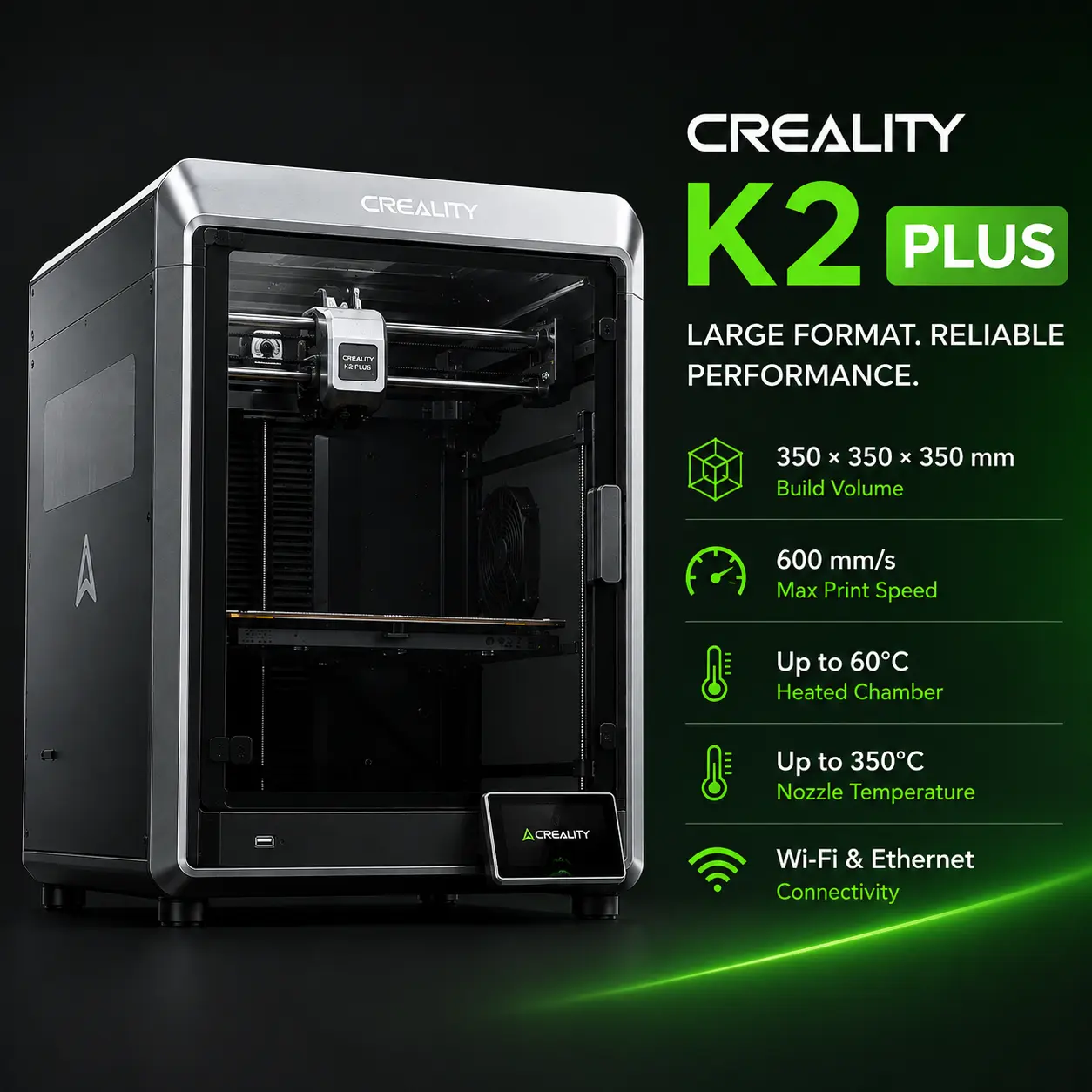
For users who need active chamber heating or larger engineering-material capability, compare the Bambu Lab H2D and Creality K2 Plus.
Those platforms target more demanding high-temperature workflows and larger parts, while the P1S remains a compact, simpler desktop option.
The P1S remains compelling because it combines:
Its biggest limitations compared with newer engineering-focused machines are the lack of active chamber heating, the stock stainless-steel abrasive-material hardware, the low-frame-rate camera, and the simpler display.
Recommended use: Choose the P1S when you want a mature enclosed CoreXY printer for PLA, PETG, ABS, ASA, TPU, general engineering prototypes, and optional AMS multi-color printing at a lower cost than newer Bambu platforms. Upgrade the hotend and extruder before making abrasive CF/GF materials a routine workflow.
The nominal build volume is 256 × 256 × 256 mm.
Bambu Lab specifies 500 mm/s as maximum toolhead movement speed. Actual extrusion printing speed depends on material, flow, geometry, cooling, and slicer settings.
300°C.
100°C.
No. It is fully enclosed but does not have a dedicated chamber heater.
Yes. Bambu Lab lists ABS and ASA among the P1S's ideal supported materials.
Yes. Bambu Lab lists PA and PC as capable materials, although large warp-prone parts can be more demanding because the chamber is not actively heated.
Bambu Lab does not recommend routine abrasive CF/GF printing with the stock stainless-steel nozzle and extruder components. Upgrade to hardened-steel hardware first.
A 0.4 mm stainless-steel nozzle. Optional 0.2, 0.6, and 0.8 mm sizes are supported.
Yes. It supports Bambu AMS systems, including current AMS 2 Pro compatibility. Supported configurations can reach up to 16 colors.
Standard TPU is generally not suitable for ordinary AMS feeding. Follow Bambu Lab's current AMS and filament compatibility guidance.
2.4 GHz Wi-Fi and Bluetooth BLE 5.0, plus MicroSD storage. It does not have native Ethernet.
1280 × 720 at 0.5 fps.
No. It can reduce odors and some VOCs, but appropriate ventilation is still recommended for higher-emission materials.
The official US product page has recently shown a US$399 promotional standalone price. Check the current manufacturer listing because sales can change.