AI-PoweredIntelligent DesignCarbon Fiber readyCoreXYHigh Speed Enclosed PrintingAI Camera Monitoring
CCreality
Creality
# Creality K1C
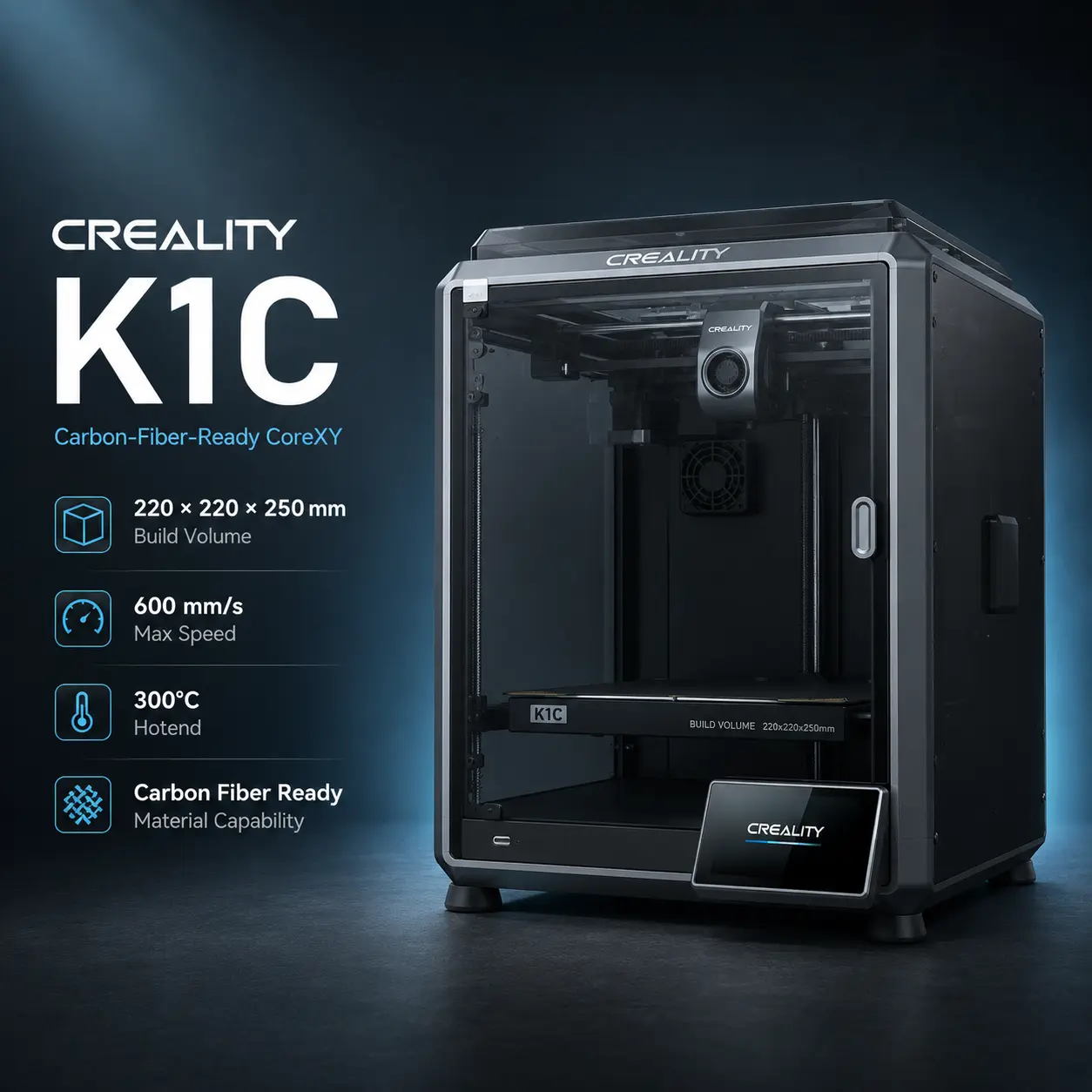
The Creality K1C is a fully enclosed CoreXY FDM printer developed as the carbon-fiber-focused member of Creality's original K1 family. It combines a 220 × 220 × 250 mm build volume, a manufacturer-rated 600 mm/s maximum print speed, up to 20,000 mm/s² acceleration, a 300°C all-metal hotend, automatic calibration, and an integrated AI camera.
Its main hardware difference from the earlier K1 is the extrusion system. The K1C uses Creality's quick-swap tri-metal “Unicorn” nozzle, with a steel tip and copper body integrated with a titanium-alloy heatbreak. That wear-resistant configuration lets the stock machine process selected abrasive filaments such as PLA-CF, PA-CF, and PET-CF without requiring an immediate hardened-nozzle upgrade.
The printer is fully enclosed but does not have an actively heated chamber. Its enclosure and auxiliary cooling system make ABS, ASA, PA, PC, and selected reinforced materials more practical than on an open-frame machine, but chamber-sensitive polymers still depend on part size, geometry, ambient conditions, and filament-specific processing requirements.
For official specifications, see the Creality K1C product page. Service information, manuals, firmware, and maintenance guidance are available through the Creality K1C Wiki.
| Specification | Value |
|---|---|
| Printing technology | FDM / FFF |
| Motion system | CoreXY |
| Build volume | 220 × 220 × 250 mm |
| Layer height | 0.10–0.35 mm |
| Standard nozzle | 0.4 mm tri-metal steel-tipped nozzle |
| Maximum print speed | 600 mm/s |
| Typical published print speed | Approximately 300 mm/s |
| Maximum acceleration | 20,000 mm/s² |
| Maximum nozzle temperature | 300°C |
| Maximum bed temperature | 100°C |
| Extruder | All-metal direct drive |
| Build surface | PEI flexible build plate |
| Chamber | Fully enclosed |
| Active chamber heating | No |
| Display | 4.3-inch color touchscreen |
| Camera | Integrated AI camera |
| File transfer | Wi-Fi, USB drive |
| Slicer | Creality Print; Cura 5.0+ also listed by Creality |
| Filament diameter | 1.75 mm |
| Product dimensions | 355 × 355 × 482 mm |
| Net weight | Approximately 12.4 kg |
| Electrical input | 100–120 V / 200–240 V AC, 50/60 Hz |
| Rated power | 350 W |
The K1C was designed specifically to broaden K1-series support for abrasive composite filaments.
Creality officially lists:
The quick-swap nozzle uses a durable steel tip joined to a copper body and titanium-alloy heatbreak. The steel contact surface provides better wear resistance than an ordinary brass nozzle, while the copper section supports heat transfer.
This means the K1C can print its officially supported CF materials with the stock nozzle.
That does not mean every carbon- or glass-fiber filament is automatically suitable.
Compatibility still depends on:
For example, Prusament PC Blend Carbon Fiber and Prusament PA11 Carbon Fiber have material-specific thermal and drying requirements that should be checked independently rather than inferred from the K1C's general CF-ready positioning.
Creality currently lists the following materials for the K1C:
For representative indexed materials, compare Prusament PETG, Prusament TPU 95A, and Prusament ASA.
Recommended use: Dry moisture-sensitive PA and PA-CF according to the filament manufacturer's instructions before printing. A wear-resistant nozzle addresses abrasion but does not solve moisture-related defects.
The K1C is fully enclosed, but it does not include an active chamber heater.
Its thermal system includes:
The enclosure improves thermal stability for ABS and ASA compared with an open printer, while the auxiliary fan can improve overhang and bridge cooling for lower-temperature materials.
For large, warp-sensitive engineering parts, an actively heated chamber can provide more controlled conditions. The Creality K2 Plus and Bambu Lab H2D are examples of higher-end enclosed platforms with active chamber heating.
The K1C includes an activated-carbon filter.
Creality markets the filter as part of the enclosed printer's air-management system, but it should not be treated as complete emission control.
Activated carbon can help reduce some odors and volatile compounds. It is not a substitute for suitable room ventilation, particularly when printing ABS, ASA, PA, PC, or other higher-emission materials.
Safety note: Follow the filament manufacturer's ventilation and handling guidance even when the K1C's filter is installed.
The K1C provides one-tap automatic calibration.
The printer uses its onboard sensing and Creality OS algorithms to handle setup tasks such as:
This reduces the manual leveling work associated with traditional Cartesian printers.
Automatic calibration improves repeatability but does not eliminate normal maintenance of the build surface, nozzle, belts, motion system, and extrusion path.
The K1C includes the AI camera as standard equipment.
Creality currently promotes functions including:
Creality notes that active alerts and video monitoring require connection through Creality Print or the Creality Cloud app.
AI detection is a monitoring aid rather than a guarantee that every print failure or obstruction will be identified correctly.
Creality rates the K1C at:
The lightweight CoreXY architecture keeps the XY motors stationary rather than moving them with the printhead.
Actual print speed depends on:
For abrasive or high-temperature engineering materials, material quality often matters more than reaching the maximum headline speed.
The K1C uses Creality OS, which is based on Klipper.
Creality's official workflow centers on Creality Print, with cloud and remote-management functions available through Creality Cloud.
Current official product information lists:
Creality OS supports functions such as input shaping and linear/pressure-advance-style extrusion control.
Users who depend on cloud-free operation should confirm the exact local-network workflow and firmware version for their environment.
The K1C keeps the compact 220 × 220 × 250 mm CoreXY platform while improving the extrusion system and adding more complete monitoring hardware.
| Feature | K1C | Original K1 |
|---|---|---|
| Build volume | 220 × 220 × 250 mm | 220 × 220 × 250 mm |
| Maximum print speed | 600 mm/s | 600 mm/s |
| Maximum hotend temperature | 300°C | 300°C |
| Carbon-fiber focus | Yes | More limited stock configuration |
| Nozzle | Tri-metal steel-tipped quick-swap | Earlier K1 hardware varies by revision |
| AI camera | Standard | Optional / revision-dependent |
| Enclosure | Yes | Yes |
The K1C is the better choice when abrasive composite support and integrated camera monitoring matter.
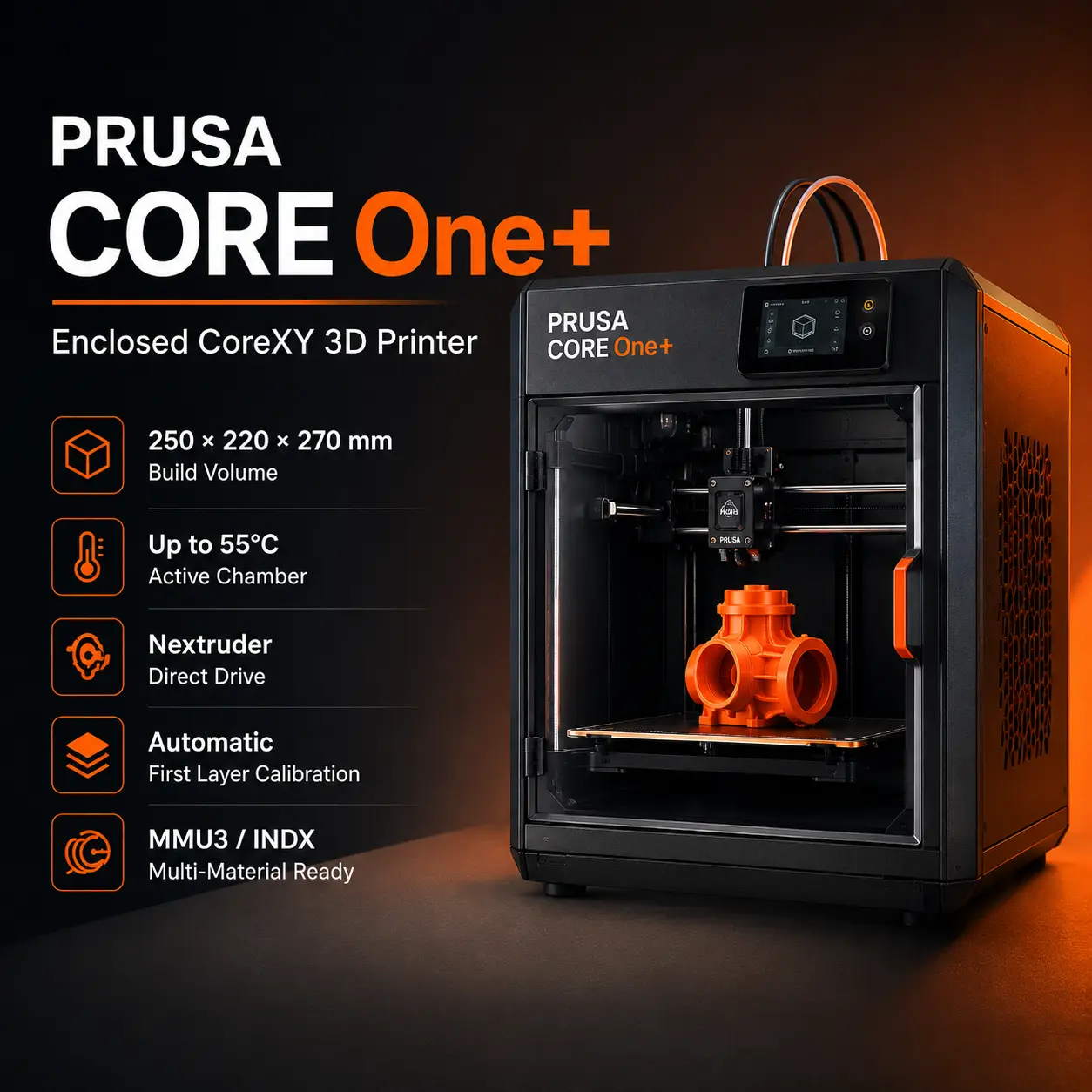
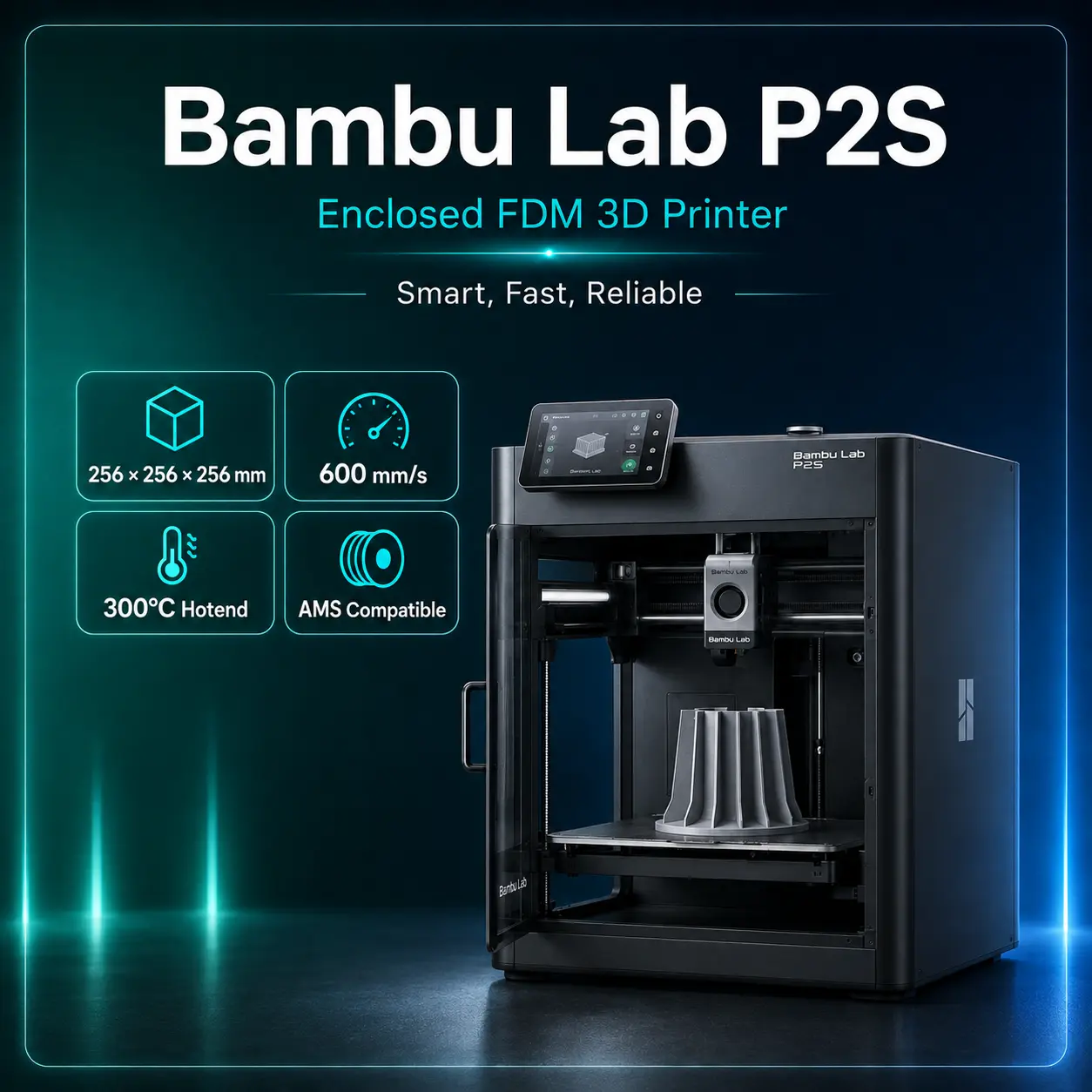
For users deciding between the K1C and a newer enclosed printer, the Bambu Lab P2S offers a newer-generation desktop ecosystem, while the Creality K2 Plus provides a larger build volume and more advanced chamber control.
The K1C remains attractive when a compact enclosed machine, selected CF filament support, 600 mm/s headline speed, and lower purchase cost matter more than a larger bed or active chamber heating.
This listing covers the original standard K1C, not the K1C 2025 revision.
Creality's current US retail URL that previously served the standard K1C now surfaces the K1C 2025. The 2025 revision keeps the core K1C printing specifications but has different multicolor-upgrade compatibility and should not be mixed into the original model's structured listing.
Current official K1-series retail pages list the K1C 2025 from approximately US$369 .
For current model-family availability, see the official Creality K1 Series store collection.
Recommended use: Choose the standard Creality K1C when you want a compact enclosed CoreXY printer with stock support for PLA-CF, PA-CF, and PET-CF, automatic calibration, AI monitoring, and a 300°C hotend. For large engineering parts or materials that benefit from active chamber heat, a higher-temperature enclosed platform is the better fit.
220 × 220 × 250 mm.
Creality specifies up to 600 mm/s, with approximately 300 mm/s commonly published as a typical speed.
Up to 20,000 mm/s².
Creality lists 0.10–0.35 mm.
300°C.
100°C.
No. It is fully enclosed but does not have an active chamber heater.
Yes. Creality officially lists PLA-CF, PA-CF, and PET-CF, and the standard nozzle uses a wear-resistant steel tip.
No. Base polymer, fiber loading, nozzle size, drying, bed temperature, and chamber requirements still need to match the material.
Yes. It supports monitoring, timelapse, and Creality-promoted spaghetti and foreign-object detection.
No. The activated-carbon filter can reduce some odors and volatile compounds, but suitable room ventilation is still recommended.
Creality Print is the primary Creality slicer and management application. Creality also lists Cura 5.0 and later.
The 2025 revision retains the main K1C printing platform but changes multicolor-upgrade compatibility.