AI Guided Visual TrackingPrecision Medium Object ScanningBlue Light Detail CaptureFull Color Surface ScanningDeep Geometry CapturePortable Reverse Engineering
33DMakerpro
3DMakerpro
# 3DMakerpro Moose
The 3DMakerpro Moose is a medium-format handheld 3D scanner built around blue-light structured-light capture. It targets mechanical parts, product digitization, scan-to-print projects, collectibles, design work, and small-to-medium reverse-engineering jobs where a wider capture area is more useful than the miniature-focused field of view of 3DMakerpro's Seal.
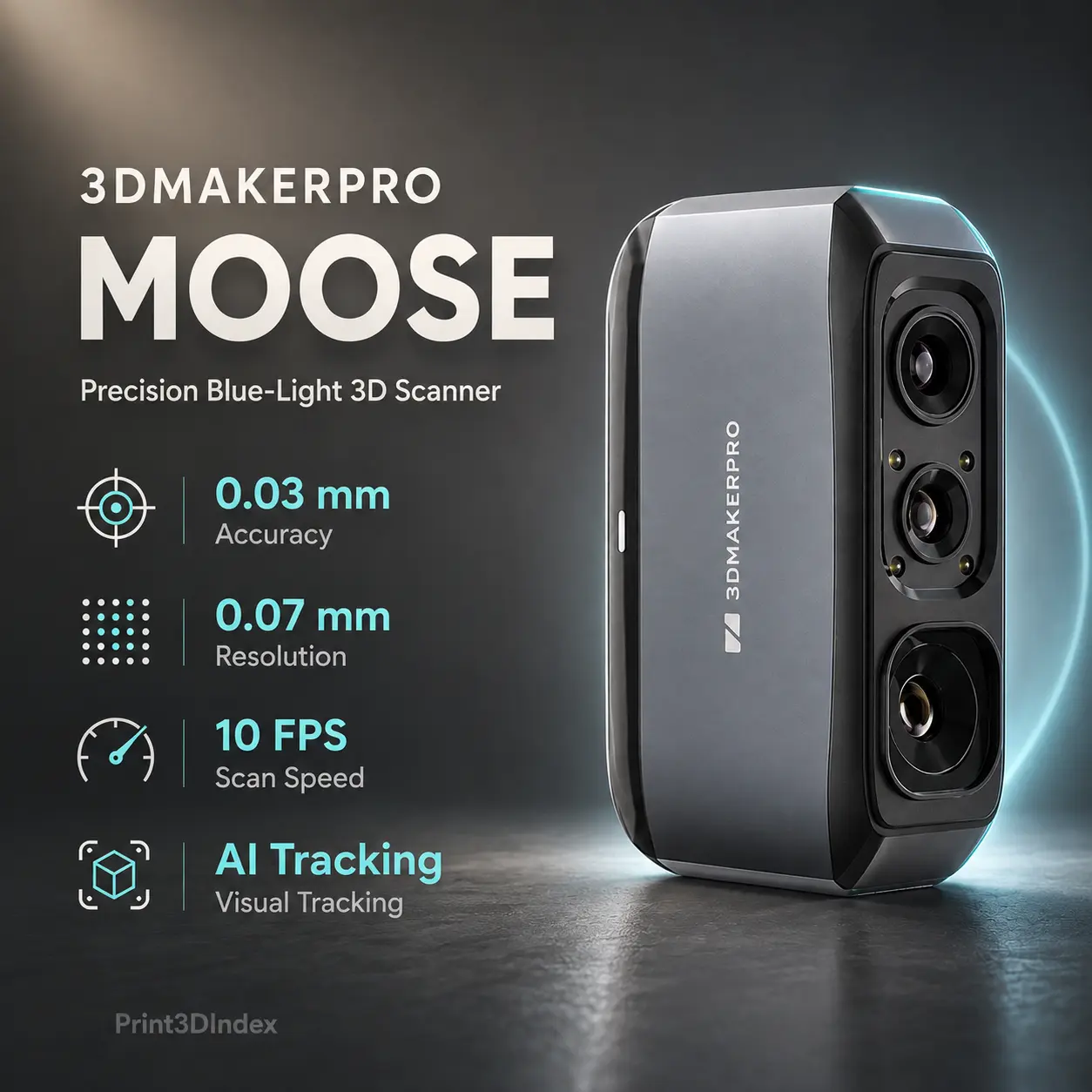
3DMakerpro publishes 0.03 mm single-frame accuracy, 0.07 mm resolution, 10 FPS scanning, a 150–400 mm working distance, and a 200 × 100 mm single-capture area. The recommended object-size range is approximately 15–1500 mm.
Moose also includes AI Visual Tracking, 24-bit color texture capture, automatic alignment tools in JMStudio, and a stated scan depth of up to 100 mm for recessed geometry. At 280 g, it remains light enough for handheld use, although the base scanner is a USB 2.0 device rather than a self-contained wireless scanner.
For current specifications and stock status, see the official 3DMakerpro Moose product page and the official Moose technology page. For broader workflow guidance, see Best 3D Scanners for Reverse Engineering in 2026.
| Specification | Value |
|---|---|
| Scanning technology | Blue-light structured light |
| Light source | Blue LED |
| Manufacturer-stated accuracy | Up to 0.03 mm |
| Resolution | 0.07 mm |
| Frame rate | Up to 10 FPS |
| Tracking | AI Visual Tracking |
| Working distance | 150–400 mm |
| Single-capture area | 200 × 100 mm |
| Recommended object size | 15–1500 mm |
| Stated scan depth | Up to 100 mm |
| Color texture | 24-bit |
| Base interface | USB 2.0 |
| Dimensions | 115 × 70 × 35 mm |
| Scanner weight | 280 g |
| Desktop OS | Windows 10/11 64-bit; macOS 12/13/14 |
| Mobile support | Android 10+ / iOS 15+ with compatible Smart Grip workflow |
| Output formats | OBJ, STL, PLY, ASC |
| Main software | JMStudio |
| Optional reverse-engineering software | Geomagic Wrap for 3DMakerpro |
The 0.03 mm accuracy and 0.07 mm resolution figures describe different characteristics.
Accuracy describes how closely the captured geometry matches the real object under the manufacturer's stated test conditions. Resolution describes the level of geometric detail the scanner can distinguish.
A scanner should not be ranked solely by whichever number is smaller.
For reverse engineering, dimensional accuracy, tracking stability, scan overlap, surface preparation, calibration, and downstream CAD reconstruction matter alongside resolution.
For a deeper explanation, see 3D Scanner Accuracy vs Resolution: What Actually Matters?.
Moose uses AI Visual Tracking rather than requiring reflective markers for its normal scanning workflow.
3DMakerpro describes the system as a newer single-frame encoded structured-light design that improves feature detection and marker-free tracking.
This works best when the object has enough distinctive geometry or visible features for the software to maintain alignment.
Tracking can become more difficult on:
A turntable, controlled scan path, temporary reference geometry, or surface preparation can improve difficult scans.
Moose has a 200 × 100 mm single-capture area, twice the width of the 100 × 75 mm capture area published for 3DMakerpro Seal.
That wider view is one reason Moose is better suited to medium-sized objects.
Typical targets include:
The manufacturer's 15–1500 mm recommendation is an object-size range, not a guaranteed rectangular scan volume. Large subjects are reconstructed from many overlapping frames.
Need to scan something larger than the Moose is designed for? Explore our guide to the Best 3D Scanners for Large Objects in 2026 for better options for cars, furniture, machinery, people, and other large-scale subjects.
3DMakerpro advertises up to 100 mm scan depth for the Moose series.
This can help with cavities, recessed surfaces, channels, and more complex geometry, but it should not be read as a guarantee that every 100 mm-deep hole can be scanned.
The manufacturer notes that achievable depth depends on the cross-sectional opening of the feature. Narrow holes, undercuts, blocked lines of sight, dark surfaces, and highly reflective interiors can reduce capture depth.
For deep engineering geometry, line-of-sight limitations remain a fundamental optical constraint.
Moose supports 24-bit color textures.
Color capture is useful for:
For reverse engineering, color texture remains separate from geometric accuracy. A visually realistic texture does not make a scan dimensionally validated.
3DMakerpro recommends surface preparation for some transparent, reflective, very dark, or hairy subjects.
Blue structured light can perform well on many ordinary surfaces, but polished metal, clear plastics, mirrors, glossy black finishes, and translucent materials can still be optically difficult.
Scanning spray can improve feature visibility and reduce reflections where direct scanning is unreliable.
Production users should include preparation time when comparing Moose with laser scanners specifically designed to handle dark or metallic surfaces more directly.
Moose uses JMStudio, 3DMakerpro's free scanning and processing software.
Current functions include:
The Moose product page lists:
JMStudio is sufficient for capture and mesh generation, but a mesh is not the same as editable parametric CAD.
3DMakerpro sells Geomagic Wrap for 3DMakerpro as an optional add-on for more advanced mesh processing and reverse-engineering work.
Its current Essential edition includes tools for point-cloud editing, mesh healing, alignment, cross sections, measurement, feature fitting, automatic surfacing, and export to neutral CAD formats such as STEP and IGES.
That makes the Moose more useful for reverse engineering than its basic STL/OBJ export list might suggest, but the advanced software is a separate purchase rather than part of the standard scanner package.
A practical scan-to-CAD workflow is:
For demanding dimensional work, a scanner with published volumetric accuracy and marker-based or metrology-oriented alignment may still be the better tool.
The base Moose connects through USB 2.0 and does not contain its own battery.
3DMakerpro's optional Smart Grip adds smartphone mounting, USB Type-C connectivity, and a 6200 mAh battery rated for up to approximately four hours of scanning.
The Smart Grip supports compatible Android and iOS devices, although 3DMakerpro notes that phone compatibility varies by model and OTG implementation.
This is best understood as an accessory-based mobile workflow rather than native wireless scanning.
3DMakerpro's current Moose page lists the following desktop guidance.
| Scanner | Technology | Published Accuracy | Resolution / Point Distance | Capture / Object Range | Best Fit |
|---|---|---|---|---|---|
| 3DMakerpro Moose | Blue structured light | 0.03 mm | 0.07 mm | 200 × 100 mm capture; 15–1500 mm recommended objects | Medium-object color scanning |
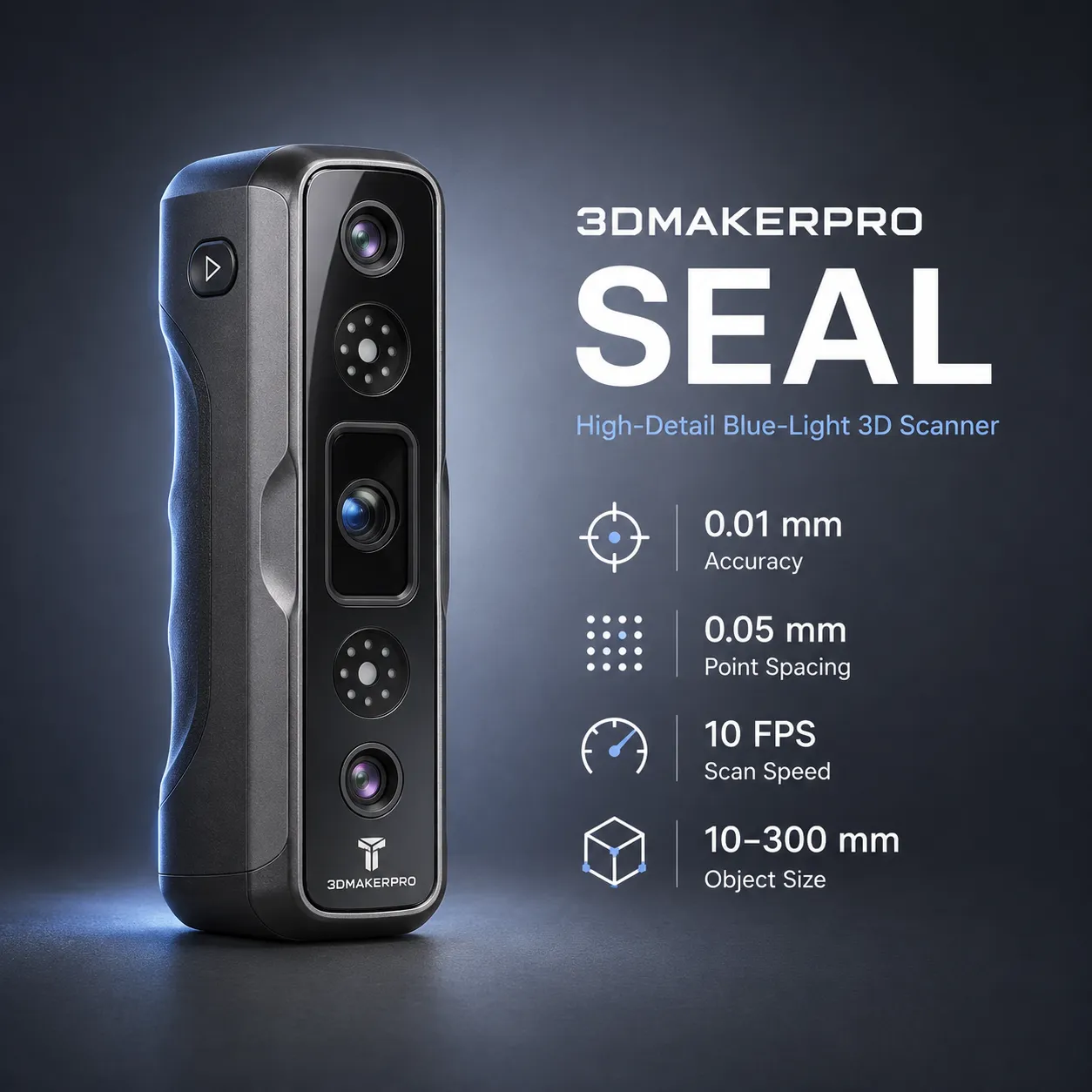
| 3DMakerpro Seal | Blue structured light | 0.01 mm | 0.05 mm | 100 × 75 mm capture; 10–300 mm objects | Small, high-detail objects |
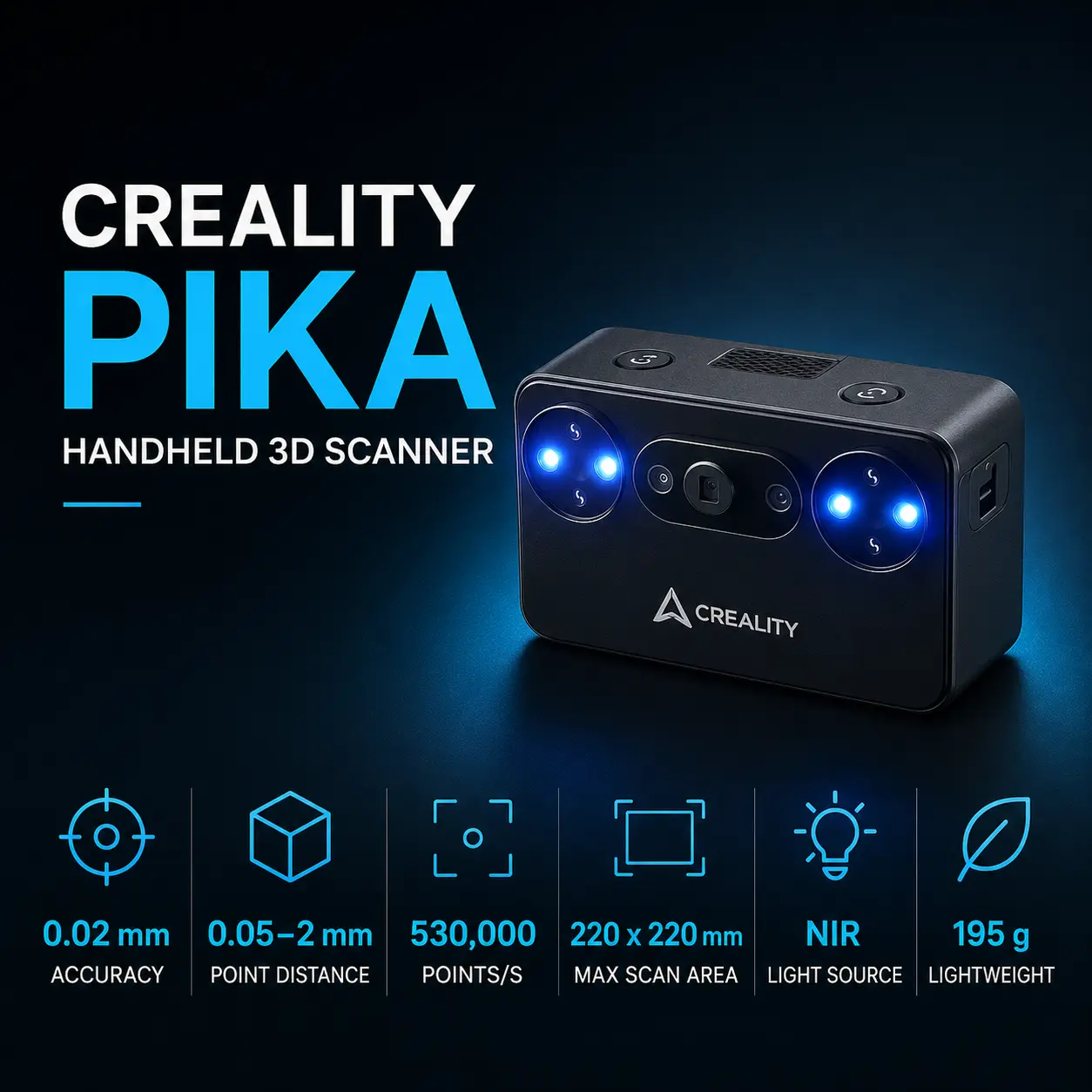
| Creality Pika | Blue laser + NIR | 0.03 mm blue laser | 0.10–2 mm laser | Up to 2 × 2 × 2 m scan range | Fast portable hybrid scanning |
| Revopoint INSPIRE 2 | IR laser + IR structured light | 0.05 mm | 0.05 mm fused point distance | Up to 2 × 2 × 2 m | Affordable dual-mode scanning |
| Revopoint MetroX Pro | Blue laser + full-field blue light | 0.02 mm | 0.05 mm fused point distance | Up to 1 × 1 × 1 m | Precision reverse engineering |
The table separates accuracy from resolution because these values are not interchangeable. It also highlights Moose's main positioning: more coverage than Seal, but a simpler and slower optical workflow than newer hybrid laser scanners.
The 3DMakerpro Moose vs Seal comparison is primarily medium-object coverage versus fine small-object detail.
The 3DMakerpro Seal publishes:
Moose publishes lower nominal detail at 0.03 mm accuracy and 0.07 mm resolution, but its 200 × 100 mm capture area, 150–400 mm working distance, and 15–1500 mm recommended object range make it much better suited to medium parts.
Choose Seal for jewelry, miniatures, small precision objects, and localized detail.
Choose Moose for larger housings, mechanical components, sculptures, consumer products, and projects where wider coverage reduces the number of frames needed.
The Moose vs Moose Lite decision is straightforward.
3DMakerpro lists Moose at:
Moose Lite uses:
Both share the same 150–400 mm working distance, 200 × 100 mm capture area, 10 FPS scan rate, and 15–1500 mm recommended object range.
Choose Moose when better nominal accuracy, finer resolution, and 24-bit color are worth the premium.
Choose Moose Lite when lower purchase cost matters more than maximum detail or color capture.
The 3DMakerpro Moose vs Creality Pika comparison shows how quickly portable scanner hardware has evolved.
The Creality Pika combines seven blue laser lines with NIR structured light. Creality publishes 0.03 mm blue-laser accuracy, up to 110 FPS on PC, working distance up to 1000 mm in NIR, Wi-Fi 6, a 3-inch touchscreen, and removable batteries.
Moose matches Pika's headline 0.03 mm accuracy but scans at only 10 FPS and uses a narrower blue structured-light workflow.
Moose has a simple JMStudio ecosystem and 0.07 mm published resolution, while Pika is more versatile for fast movement, large subjects, bright-light work, and portable operation.
Choose Moose for a straightforward medium-format blue-light workflow and 24-bit object capture.
Choose Pika when speed, dual-light scanning, built-in batteries, touchscreen control, larger-object capability, and outdoor use matter more.
The Revopoint INSPIRE 2 combines infrared multi-line laser and infrared structured light.
Revopoint publishes 0.05 mm single-frame accuracy, 0.05 mm + 0.1 mm × L volumetric accuracy, 0.05 mm fused point distance, up to 30 FPS laser scanning, and a maximum scan volume of 2 × 2 × 2 m.
Moose has the smaller headline single-frame accuracy number at 0.03 mm and uses blue light for its geometry capture.
INSPIRE 2 provides a much faster dual-mode workflow, published volumetric accuracy, wider object coverage, and a more modern hybrid scanning architecture.
Choose Moose when the 0.03 mm single-frame specification, 24-bit color, and simple medium-object workflow are the priority.
Choose INSPIRE 2 when faster acquisition, volumetric accuracy, larger scan range, and dual scanning modes are more important.
The Revopoint MetroX Pro is a more specialized reverse-engineering scanner.
It publishes:
Moose is lighter, simpler, substantially cheaper, and still useful for mesh-based reverse-engineering references.
MetroX Pro is the better fit when dimensional fidelity, marker-based engineering workflows, dark/shiny surfaces, inspection, and scan-to-CAD work are central to the purchase.
For more context, see Best 3D Scanners for Reverse Engineering in 2026.
Thee 3DMakerpro Moose price starts from US$699, positioning it as a mid-range handheld 3D scanner for reverse engineering, 3D printing, detailed object capture, and full-color scanning. Approximate regional pricing is Canada: C$963 · Europe: €598 . UK: £513 · Middle East: AED 2,567 · Australia: A$983 · India: ₹66,937.
The 3DMakerpro Moose is available through 3DMakerpro and selected regional resellers. Final pricing, availability, taxes, shipping costs, bundle options, and promotional discounts may vary by country and seller.
Blue-light structured-light scanning with a blue LED source.
3DMakerpro publishes up to 0.03 mm accuracy.
The current product specification lists 0.07 mm.
Up to 10 FPS.
150–400 mm.
200 × 100 mm.
3DMakerpro recommends approximately 15–1500 mm.
Its normal workflow uses AI Visual Tracking and is designed for marker-free capture on suitable objects.
Yes. It supports 24-bit color texture capture.
3DMakerpro states up to 100 mm scan depth, but actual depth depends on the opening and geometry of the feature.
Some difficult surfaces require scanning spray or other preparation.
Yes, with the optional Smart Grip and a compatible Android or iOS device.
The base scanner does not. The optional Smart Grip provides a 6200 mAh battery.
JMStudio is the included scanning software. Geomagic Wrap for 3DMakerpro is available separately for more advanced reverse-engineering work.
OBJ, STL, PLY, and ASC.
Yes for many small-to-medium mesh-based reverse-engineering projects, but it lacks a publis