Fresh ConceptIntelligent Design4-Toolhead Multi-Material PrintingLow-Waste Color SwitchingAutomatic Toolhead Swapping
SSnapmaker
Snapmaker
# Snapmaker U1
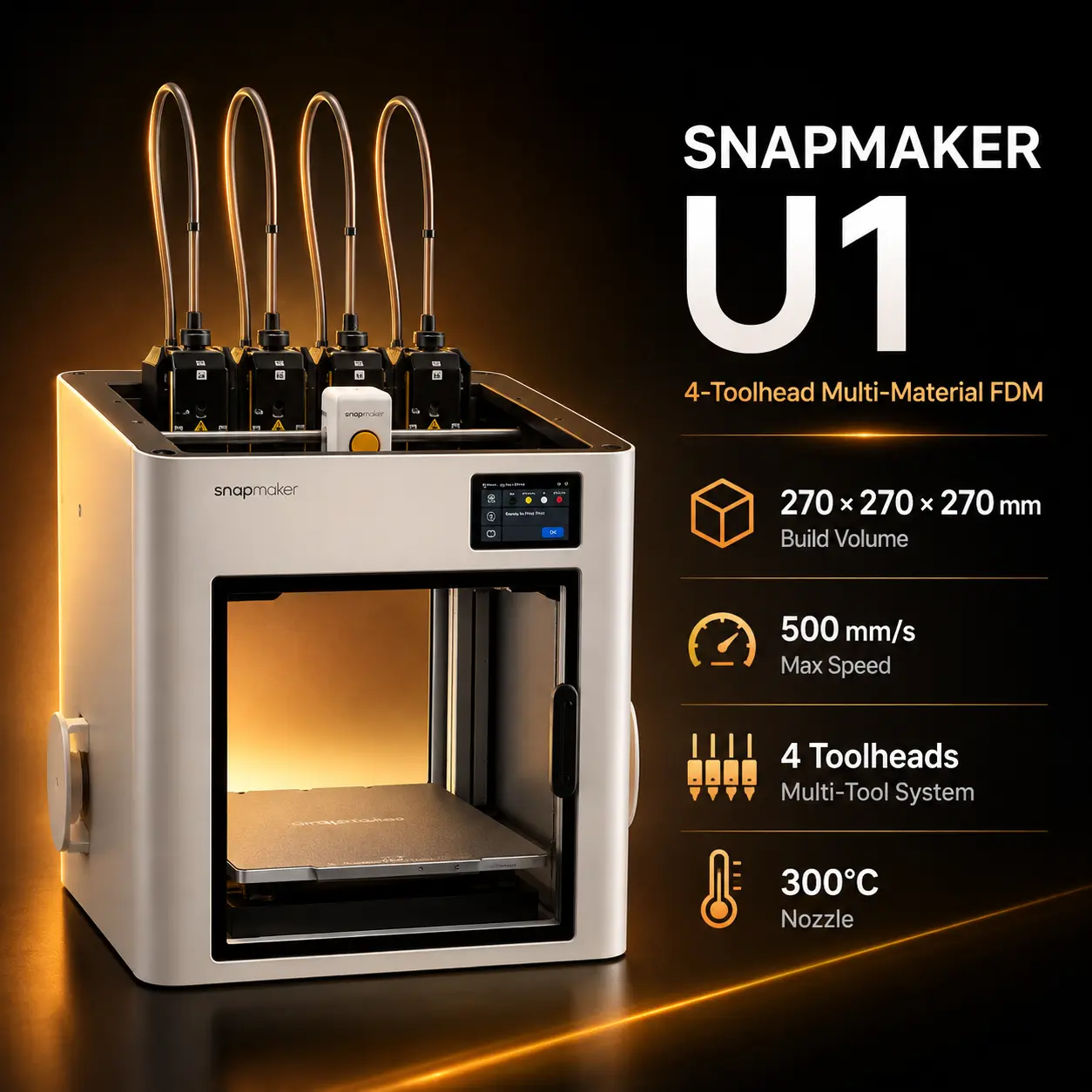
The Snapmaker U1 is a CoreXY FDM 3D printer built around a genuine four-toolhead architecture rather than a single nozzle that repeatedly unloads, reloads, and purges filament. Its SnapSwap system parks and exchanges complete toolheads automatically, giving each of the four filament paths its own hotend.
That design is the U1's main advantage. Multi-color jobs still need normal nozzle wiping, priming, and calibration, but the printer avoids much of the purge waste associated with changing several colors or materials through one shared nozzle. Snapmaker states that a normal toolhead exchange takes about five seconds.
The U1 provides a 270 × 270 × 270 mm build volume, a CoreXY motion system, maximum toolhead speed of 500 mm/s, acceleration up to 20,000 mm/s², four included 0.4 mm stainless-steel hotends, a 300°C nozzle limit, a 100°C heated bed, automatic calibration, RFID support for compatible Snapmaker filament, and camera-based print monitoring.
The printer is open on top in its standard configuration. Snapmaker's optional Top Cover expands the supported engineering-material range and adds environmental control, but it is not an actively heated chamber.
For current product information, regional availability, and accessories, see the official Snapmaker U1 page.
| Specification | Value |
|---|---|
| Printing technology | FDM / FFF |
| Motion system | CoreXY |
| Toolheads included | 4 |
| Build volume | 270 × 270 × 270 mm |
| Supported layer-height range | 0.08–0.24 mm |
| Maximum toolhead speed | 500 mm/s |
| Maximum acceleration | 20,000 mm/s² |
| Published maximum hotend flow | 32 mm³/s under Snapmaker's stated ABS test |
| Standard hotends | 4 × 0.4 mm stainless-steel hotends |
| Spare hotend | 1 × 0.4 mm stainless-steel hotend |
| Maximum nozzle temperature | 300°C |
| Maximum bed temperature | 100°C |
| Build surface | Flexible steel sheet with PEI surface |
| Display | 3.5-inch 320 × 480 touchscreen |
| Camera | 2 MP built-in camera |
| Wireless connection | 2.4 GHz Wi-Fi |
| Local file input | USB flash drive |
| Optional wired networking | USB-to-Ethernet adapter supported by current firmware |
| Internal storage | 26 GB eMMC |
| Slicers | Snapmaker Orca, OrcaSlicer |
| Mobile software | Snapmaker App |
| Firmware | Klipper-based |
| Dimensions | 584 × 499 × 730 mm |
| Weight | 18.2 kg |
| Maximum input power | 400 W at 100–120 V; 1150 W at 220–240 V |
Note: Snapmaker publishes 500 mm/s as maximum toolhead speed, not a guaranteed real-world print speed for every part. Actual throughput depends on acceleration, hotend flow, geometry, material, layer height, cooling, tool changes, and slicer settings.
Note: The published 32 mm³/s hotend-flow figure comes from Snapmaker testing with ABS at 280°C and should not be treated as a universal flow rate for every filament.
The U1's defining feature is not simply that it can print four colors. It is how those colors or materials are handled.
Instead of feeding several filaments into one hotend, the U1 has four independent toolheads. The printer docks unused heads and automatically picks up the one required for the next section of the print.
Each toolhead keeps its own filament path and nozzle, which can reduce purging, cross-contamination, and material-change delays. It also makes rigid-plus-flexible parts and dedicated support materials more practical than on many single-nozzle color systems.
Snapmaker states that toolhead swaps take about five seconds in normal operation.
The kinematic docking system is automatically calibrated. Snapmaker's product documentation states that automatic XYZ toolhead-offset calibration can maintain measured offsets within 0.04 mm when calibration conditions are correct.
The U1 is low-waste, not waste-free.
Even with separate hotends, the printer may still use material for nozzle wiping, prime structures, clearing degraded filament, and flow calibration.
The more reliable buying takeaway is that separate hotends eliminate most color-change flushing through one shared nozzle.
Four toolheads make the U1 particularly interesting for material combinations that are awkward on conventional multi-color systems.
Examples include:
Multi-material printing still requires compatible process windows. Two materials can both be printable on the U1 yet still be a poor combination if their bed temperatures, chamber needs, or adhesion behavior conflict.
For general functional-material context, compare Prusament PETG and Prusament TPU 95A.
In the standard configuration, Snapmaker lists:
These cover most everyday multi-color, flexible, support, prototype, and hobby workflows.
TPU still benefits from conservative speed and correct filament conditioning. PVA remains moisture-sensitive and should be stored and dried appropriately.
Snapmaker expands the U1's material list when the optional Top Cover is installed.
With the Top Cover, the official specification adds:
The cover is therefore important for materials that benefit from a warmer, more stable print environment.
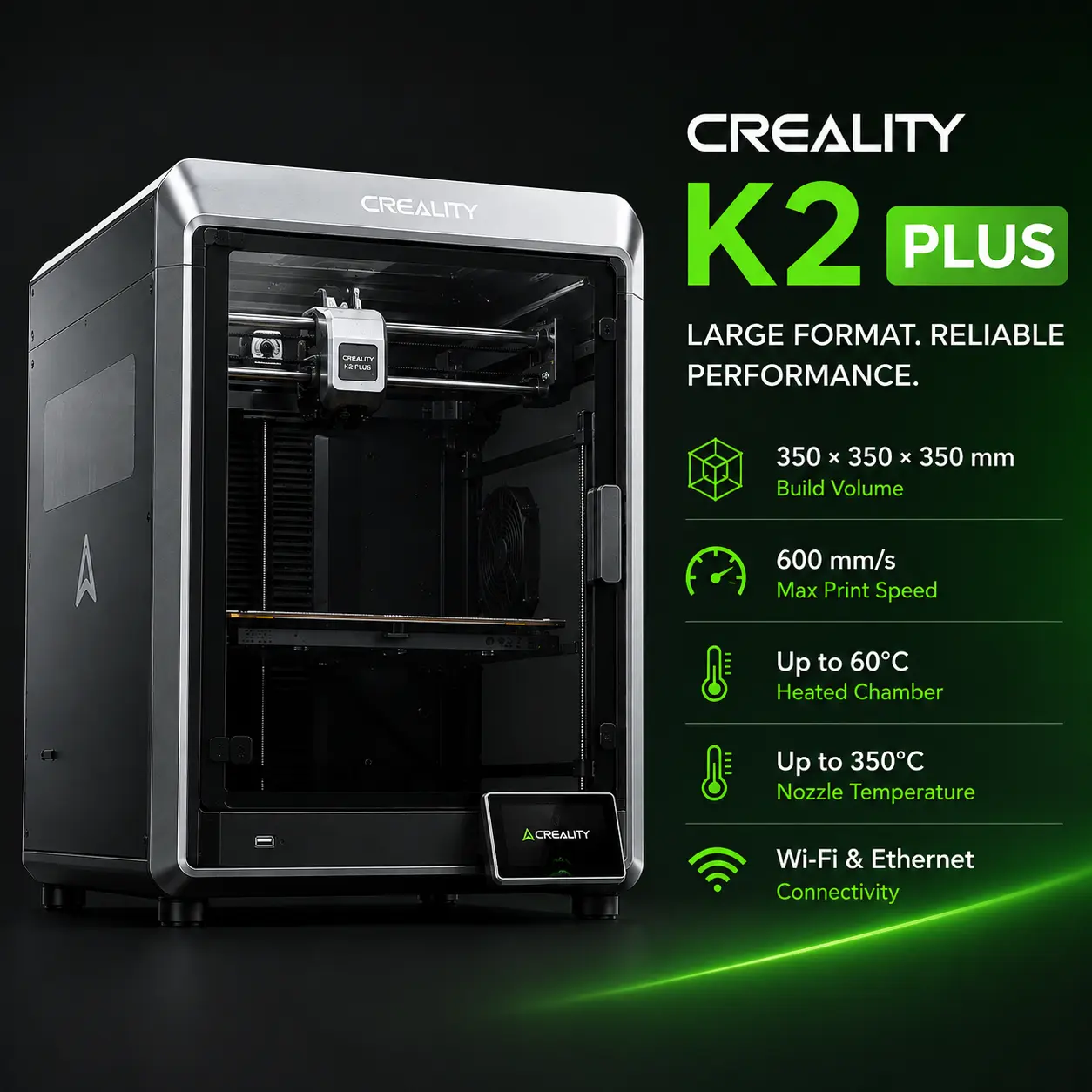
However, the U1 does not have an actively heated chamber. Users whose main workflow centers on demanding engineering materials should compare enclosed actively heated systems such as the Bambu Lab H2D or Creality K2 Plus.
Fiber-reinforced polymers are not standard out-of-box capability with the supplied stainless-steel hotends.
Snapmaker specifies carbon- and glass-fiber-reinforced polymers for configurations using:
The U1's extruder gears are hardened steel, but the included hotends are stainless steel.
For examples of how different reinforced polymers can be, compare Prusament PC Blend Carbon Fiber and Prusament PA11 Carbon Fiber. Exact compatibility should always be checked against the filament datasheet and the U1's current profiles.
Four toolheads make calibration more demanding than on a single-hotend printer, so the U1 automates several steps.
The printer maps the build surface and compensates for small height differences.
An accelerometer is used to characterize machine vibration and reduce ringing or ghosting caused by rapid CoreXY motion.
Pressure Advance compensates for extrusion lag during acceleration and deceleration.
The machine calibrates the positional relationship among all four toolheads. This matters because even a small XY or Z mismatch can create visible seams, shifted colors, or poor support interfaces.
The U1 includes an automatic filament system designed around four spool positions.
Supported functions include:
Backup Mode can switch to a matching spool when the active spool runs out. RFID recognition is most useful with official Snapmaker RFID filament; generic filament can still be used, but material data may need to be entered manually.
The U1 includes a 2 MP built-in camera for remote viewing and timelapse capture.
Current firmware supports AI monitoring for:
These features were added through firmware and are now part of the supported U1 monitoring workflow.
Important: AI monitoring is a failure-detection aid, not a guarantee that every print defect will be recognized.
The U1 supports:
Snapmaker later added Ethernet support through a compatible USB-to-Ethernet adapter in firmware. The printer should therefore not be described as having a built-in Ethernet port.
The firmware is Klipper-based, and Snapmaker has added optional root access for advanced users.
| Printer | Multi-Material Approach | Main Difference |
|---|---|---|
| Snapmaker U1 | Four independent toolheads | Fast direct tool swaps with low purge waste |
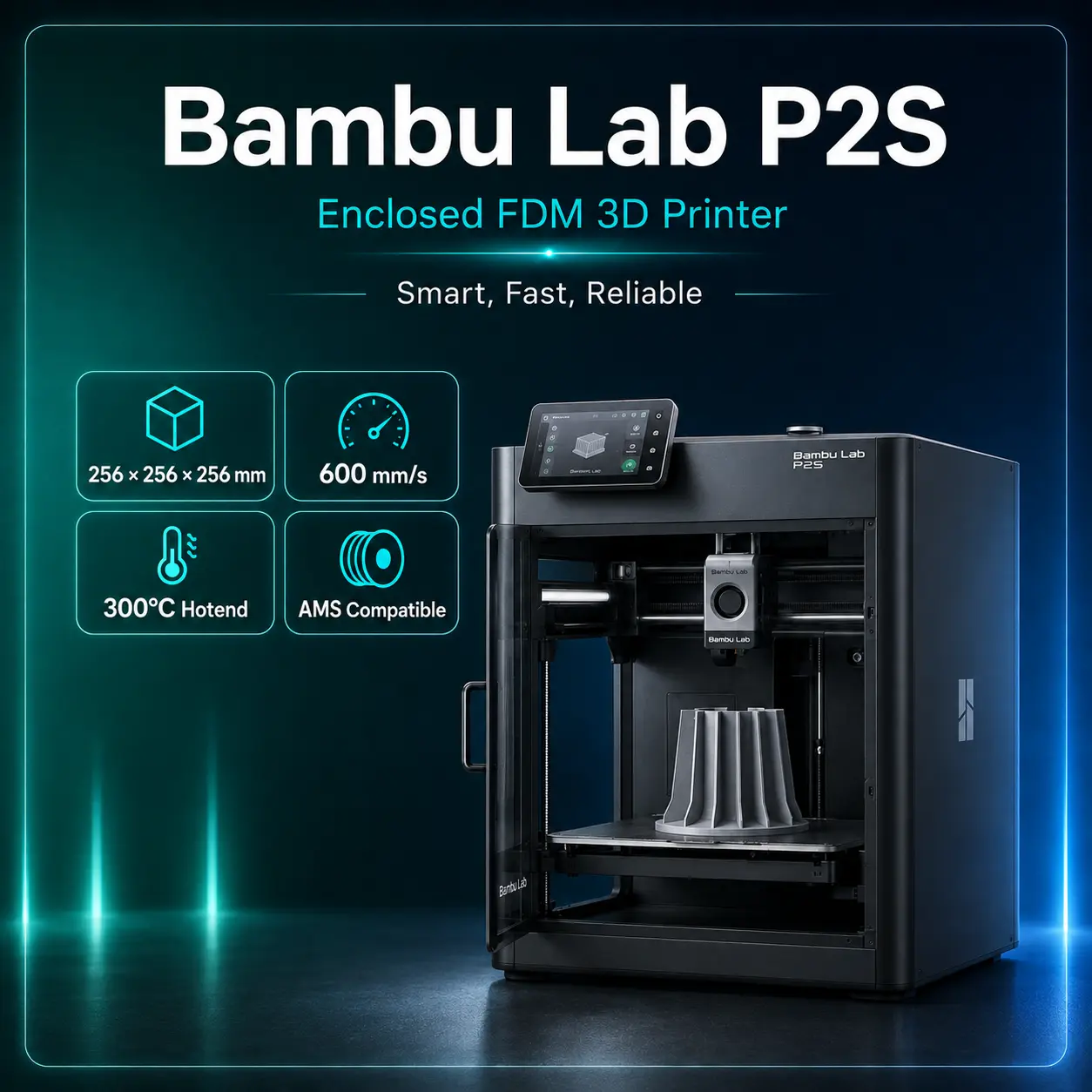
| Bambu Lab H2D | Two independent nozzles plus AMS options | Larger enclosed platform with active chamber heating |
| Prusa CORE One+ | Optional multi-material/toolchanging ecosystem | Repair-oriented enclosed CoreXY platform |
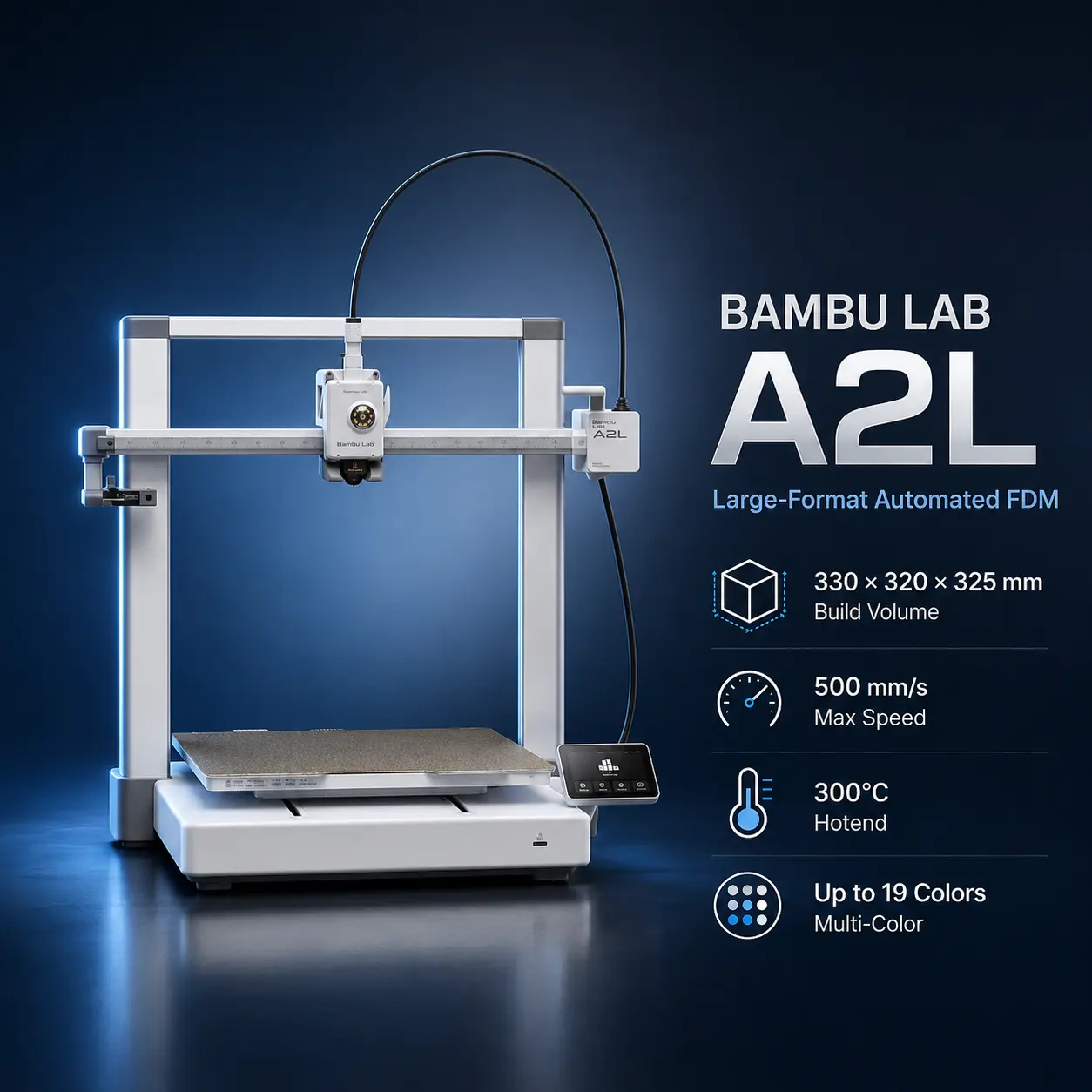
| Creality K2 Plus | Single-nozzle CFS material switching | Much larger 350 mm build volume and active chamber heating |
The U1's advantage is the number of independent hotends. Its tradeoff is that four complete toolheads add docking, alignment, contact, and maintenance complexity.
This is the main reason to choose the U1. Multi-color jobs can waste much less filament than a conventional single-nozzle color-change workflow.
The 270 mm cube is larger than many 256 mm-class desktop printers without turning the machine into a very large workshop system.
Rigid-plus-flexible parts, soluble supports, and low-adhesion support interfaces are more practical when each material has a dedicated nozzle.
Bed leveling, input shaping, pressure advance, toolhead calibration, auto loading, RFID support, camera monitoring, and AI detection reduce repetitive setup.
ABS, ASA, PA, PC, PET, and reinforced engineering materials should not be presented as equivalent to the basic out-of-box PLA/PETG workflow.
Even with the Top Cover, the U1 is not an active-chamber engineering printer.
The SnapSwap system reduces purge waste but adds docking, alignment, contact, and toolhead-maintenance considerations.
The 500 mm/s figure is maximum toolhead speed. A four-material model with frequent swaps can take much longer than a simple single-material part.
Snapmaker's official US store displayed a US$849 sale price when checked on August 12, 2026, against a crossed-out US$999 reference price.
The same US product page showed the printer as Unavailable at the time of the check. Regional stores can have different stock and pricing.
For the latest status, check the official Snapmaker U1 store listing.
Recommended use: Choose the Snapmaker U1 when multi-color or multi-material printing is a frequent part of your workflow and reducing shared-nozzle purge waste has real value. Add the Top Cover for the engineering materials Snapmaker specifies for enclosed use, and add hardened-steel hotends before regular carbon- or glass-fiber printing.
The U1 has a 270 × 270 × 270 mm build volume.
Four independent toolheads are included, each using its own hotend and filament path.
Snapmaker states that its SnapSwap system can complete a normal toolhead exchange in about five seconds.
No. Snapmaker publishes 500 mm/s as maximum toolhead speed. Real print speed depends on acceleration, hotend flow, geometry, material, cooling, tool changes, and slicer settings.
Snapmaker's current U1 FAQ lists a supported layer-height range of 0.08–0.24 mm, so the minimum published layer height is 80 microns.
The U1 ships with four 0.4 mm stainless-steel hotends plus a spare 0.4 mm stainless-steel hotend.
Snapmaker lists PLA, PETG, TPU, PVA, and PCTG as basic material compatibility.
Snapmaker adds PET, ABS, ASA, PA, and PC when the optional Top Cover is installed.
Yes, but Snapmaker specifies carbon- and glass-fiber-reinforced polymers for configurations using both the Top Cover and hardened-steel hotends.
No. The optional Top Cover creates a more controlled enclosure, but the U1 does not have an actively heated chamber.
Yes. Current firmware includes AI monitoring for spaghetti and foreign-object detection.
Snapmaker supports Snapmaker Orca and OrcaSlicer on desktop, plus the Snapmaker App for mobile management.
It does not have a native Ethernet port, but current firmware supports wired networking through a compatible USB-to-Ethernet adapter.
The official US store showed a US$849 sale price when checked on August 12, 2026, but the page also showed the printer as unavailable. Check the current store listing because price and stock can change.