Four Lens Precision ScanningSmall To Large CaptureHigh Accuracy Infrared ScanningAutomotive Reverse EngineeringFull Color Object ScanningDark Surface Capture
CCreality
Creality
# Creality CR-Scan Otter
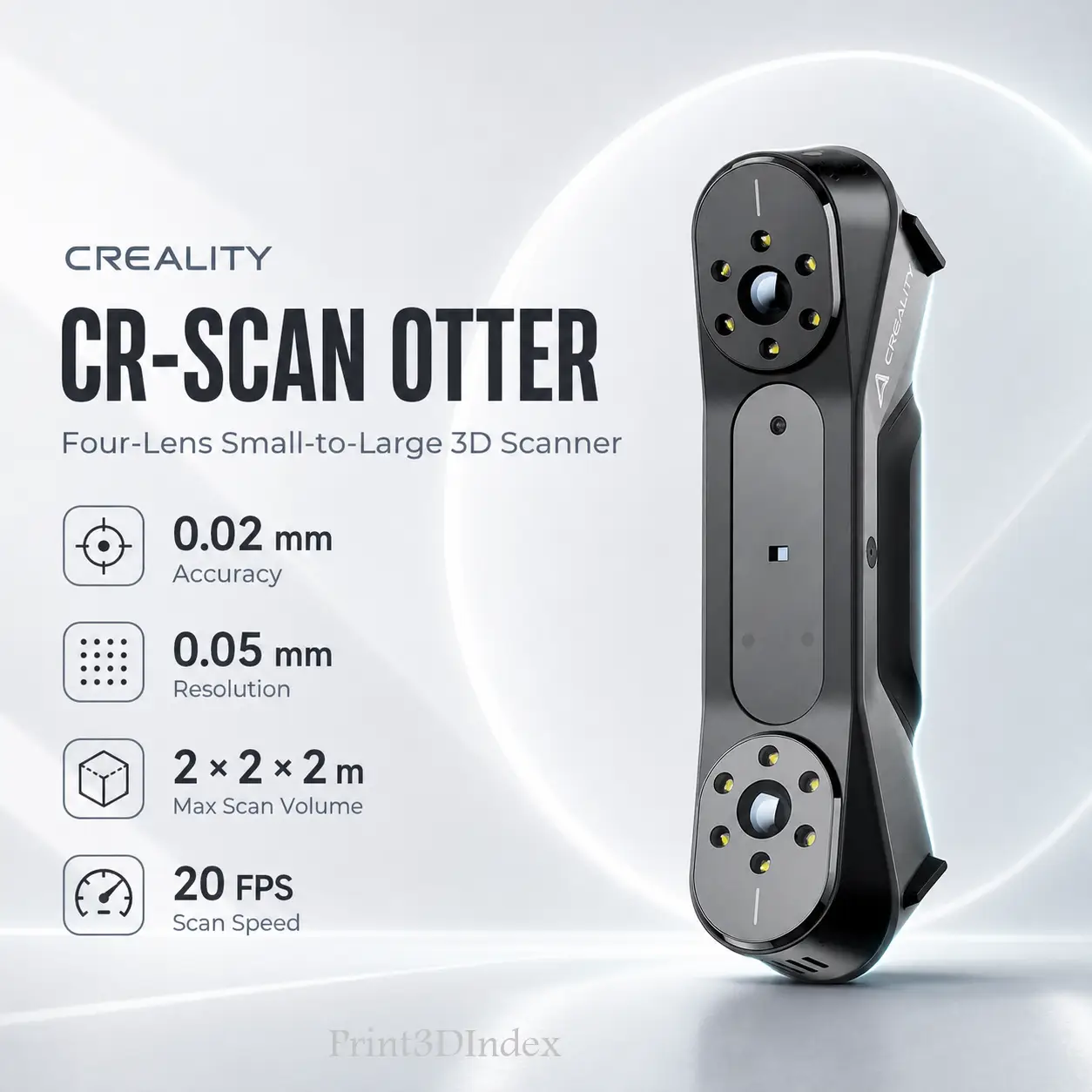
The Creality CR-Scan Otter is a four-lens near-infrared structured-light 3D scanner built for unusually broad object coverage. Its dual-range stereo system can handle small mechanical parts and collectibles as well as people, furniture, automotive components, body panels, and complete vehicles.
Creality publishes up to 0.02 mm accuracy, 0.05–2 mm adjustable 3D resolution, a 110–1000 mm working distance, and a maximum single capture area of 1350 × 840 mm at 1000 mm. The scanner also supports 24-bit full-color capture, Geometry / Marker / Texture alignment, a built-in IMU, One-Shot 3D imaging, and scanning of many dark or metallic surfaces without spray.
For current specifications, see the official Creality CR-Scan Otter page. Creality's Otter tutorial covers scanning modes and technique, while the official download center provides current firmware, manuals, and Creality Scan software.
| Specification | Value |
|---|---|
| Scanning technology | NIR infrared structured light |
| Optical system | Four-lens stereo vision / two binocular pairs |
| Manufacturer-stated accuracy | Up to 0.02 mm |
| 3D resolution | 0.05–2 mm |
| Scan speed | Up to 20 FPS |
| Working distance | 110–1000 mm |
| Minimum scan volume | 10 × 10 × 10 mm |
| Maximum scan volume | 2000 × 2000 × 2000 mm |
| Maximum single capture area | 1350 × 840 mm at 1000 mm |
| Color capture | 24-bit full color |
| Alignment | Geometry / Marker / Texture |
| IMU | Yes |
| Color lighting | 2 white LEDs |
| Marker enhancement | 8 infrared LEDs |
| Light safety | Class 1, eye safe |
| Wired interface | USB-C / USB 3.0 / USB 2.0 |
| Wireless workflow | Optional Creality Scan Bridge |
| Input power | 5 V, 3 A |
| Dimensions | 165 × 37 × 59 mm |
| Weight | 390 g |
| Software | Creality Scan |
| Export formats | OBJ, STL, PLY |
Accuracy note: Creality's headline 0.02 mm figure is a laboratory specification stated at a 60 mm test condition. The normal operating working-distance range is separately listed as 110–1000 mm.
Resolution note: The 0.05 mm figure is the finest published 3D resolution setting, not a second accuracy figure. For more context, see 3D Scanner Accuracy vs Resolution.
Otter uses two binocular camera pairs rather than one fixed optical range.
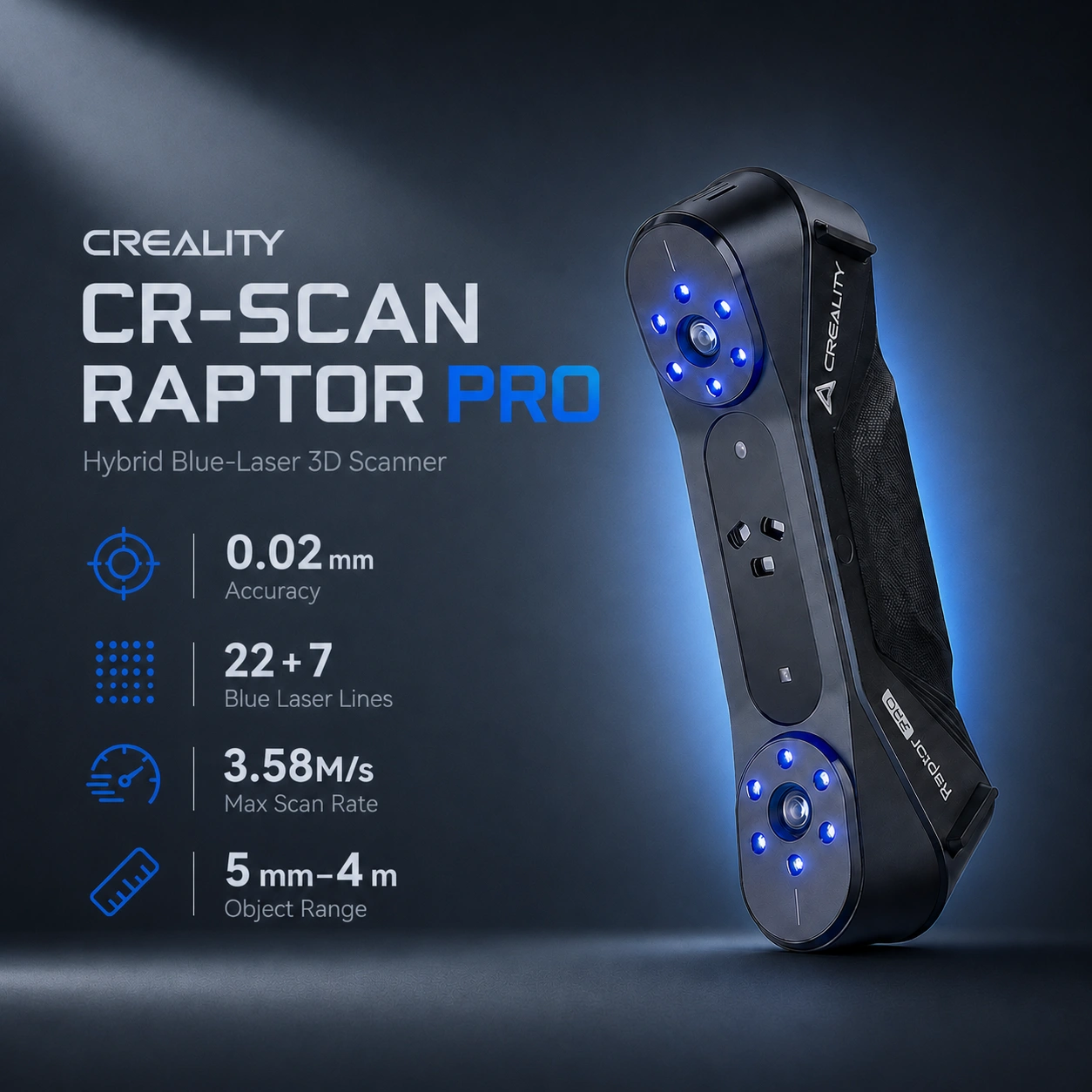
Buyers focused on portability can compare it with the Creality Pika, while users needing more measurement-oriented laser workflows should compare the Creality CR-Scan Raptor Pro.
Creality publishes a scan range from approximately 10 × 10 × 10 mm to 2 × 2 × 2 m.
For small objects, the 0.05 mm resolution setting is useful for mechanical components, collectibles, figurines, housings, and replacement-part references. For larger work, the 1350 × 840 mm capture area at 1000 mm improves coverage of furniture, sculptures, body panels, people, and vehicle surfaces.
Large scans still depend heavily on tracking strategy. Creality recommends Global Marker workflows when stronger alignment control is needed across larger objects.
For wider buying guidance, see Best 3D Scanners for Large Objects, Cars & People in 2026.
The CR-Scan Otter is a practical automotive 3D scanner for users who need both local component capture and broad vehicle geometry.
Common applications include:
Its NIR system can scan many black plastics, tires, and metallic surfaces without spray under suitable conditions.
For tighter engineering work, the CR-Scan Raptor Pro adds blue-laser modes, while the Creality Sermoon S1 adds single-line, parallel-line, crossed-laser, and NIR workflows. The Revopoint MetroX Pro is another stronger fit when small-to-medium precision engineering parts are the priority.
See Best 3D Scanners for Automotive Parts in 2026 and Best 3D Scanners for Reverse Engineering in 2026 for workflow-focused comparisons.
Creality specifically promotes Otter for scanning many black and metallic objects without scanning spray.
That can reduce preparation time on automotive trim, tires, painted metal, cast parts, machinery, and dark molded plastics.
Transparent, mirror-like, highly polished, or strongly specular surfaces may still require scanning spray, exposure changes, or other preparation. No optical scanner should be treated as universally spray-free.
Creality Scan provides three main alignment approaches:
The built-in IMU and One-Shot 3D imaging help stabilize handheld capture and improve recovery after temporary tracking loss.
Otter supports 24-bit full-color capture with two white supplemental LEDs.
Color is useful for collectibles, art, product visualization, avatars, and digital assets, but it does not improve geometric accuracy.
The large capture area and Class 1 eye-safe infrared illumination also make Otter suitable for face and body scanning, where fast coverage and stable tracking are especially useful.
For a fully self-contained scanner with onboard processing and storage, compare the Revopoint MIRACO Plus.
Creality states that Otter supports outdoor scanning under ambient illumination of approximately 30,000 lux or less.
Shaded or controlled light generally gives NIR structured-light scanners more consistent results than direct sunlight.
The base CR-Scan Otter is a USB-connected scanner using USB-C / USB 3.0 / USB 2.0.
Wireless and supported mobile scanning require the optional Creality Scan Bridge, which adds a Wi-Fi 6 workflow.
This is an important comparison point: the Creality Pika has built-in Wi-Fi and removable batteries, while the Revopoint MIRACO Plus includes onboard processing, display, battery, and storage.
Important: Wi-Fi 6 is not a built-in Otter feature; it depends on the optional Scan Bridge.
Otter uses Creality Scan for calibration, acquisition, point-cloud fusion, alignment, meshing, editing, color mapping, and export.
Current model-specific formats are:
The official Otter software manual provides the current processing workflow.
A typical scan-to-print workflow is capture, alignment, point-cloud cleanup, meshing, export, CAD reconstruction where needed, dimensional validation, and final manufacturing. A raw scan mesh is not automatically a production-ready parametric CAD model.
| Feature | CR-Scan Otter | Creality Pika | Raptor Pro | Sermoon S1 |
|---|---|---|---|---|
| Main technology | NIR structured light | Blue laser + NIR | Blue laser + NIR | Multi-mode blue laser + NIR |
| Best published accuracy | Up to 0.02 mm | Up to 0.03 mm blue laser | Up to 0.02 mm blue laser | Up to 0.02 mm blue laser |
| Finest published detail value | 0.05 mm resolution | 0.10 mm blue-laser point resolution | High-detail laser workflow | 0.05 mm blue-laser point distance |
| Large-object focus | Strong | Moderate to strong | Strong | Very strong |
| Marker-free general capture | Yes | Mode-dependent | NIR | NIR / supported modes |
| Built-in wireless | No | Yes | No | No |
| Optional wireless | Scan Bridge | Not required | Scan Bridge | Scan Bridge |
| Main advantage | Broad small-to-large coverage | Portability | Engineering / automotive laser scanning | Professional multi-mode versatility |
Choose Otter for wider capture, people, furniture, and vehicle-scale work. Choose Pika when compact size, batteries, built-in Wi-Fi, and hybrid blue-laser/NIR scanning are more important.
Choose Otter for accessible marker-free structured-light capture across many object sizes. Choose Raptor Pro when blue-laser reverse engineering and detailed automotive geometry are higher priorities.
Choose Otter for a simpler mixed-size workflow. Choose Sermoon S1 when you need dedicated single-line, parallel-line, and crossed blue-laser modes plus NIR.
Use the Print3DIndex comparison tool for side-by-side catalog specifications.
The Creality CR-Scan Otter currently starts from approximately US$719 in the US on Creality’s official US store. Approximate regional equivalents are North America: US$719 / C$990 · Europe: €615 / £527 · Middle East: AED 2,641 · Australia: A$1,003 · India: ₹68,809.
The CR-Scan Otter is usually available through Creality’s official online store and selected authorized regional sellers and resellers. Final price, stock availability, taxes, shipping costs, bundles, and promotions may vary by country and seller. Currency conversions are approximate.
Recommended use: Choose the Creality CR-Scan Otter when one scanner must cover small mechanical parts, automotive components, people, furniture, collectibles, and other mixed-size subjects. Move to a laser-focused scanner such as Raptor Pro, Sermoon S1, or MetroX Pro when measurement-oriented reverse engineering is the main priority.
Near-infrared structured light with a four-lens stereo-vision system.
Creality publishes up to 0.02 mm accuracy under its stated laboratory condition.
No. It is the finest published 3D resolution setting.
110–1000 mm.
Model-specific Creality documentation lists up to 20 FPS.
Creality publishes approximately 10 × 10 × 10 mm minimum scan volume and up to 2 × 2 × 2 m maximum scan volume.
Yes. Its wide capture area and broad working range make it suitable for vehicles and automotive components.
Many can be scanned directly, although transparent, mirror-like, or highly reflective surfaces may still need preparation.
Yes. It supports 24-bit full-color texture capture.
Not always. Geometry and Texture alignment can work without markers on suitable objects; Marker workflows help on smooth or repetitive surfaces.
Yes. Creality provides face and full-body workflows using Class 1 eye-safe infrared illumination.
Yes, under ambient illumination up to approximately 30,000 lux according to Creality.
No. Wireless and mobile workflows require the optional Creality Scan Bridge.
Creality Scan, with OBJ, STL, and PLY export listed for Otter.
Otter emphasizes broad structured-light scanning from small objects to vehicles; Raptor Pro adds blue-laser modes better suited to precision reverse engineering.
Otter offers broader large-object capture, while Pika is smaller and adds built-in Wi-Fi, batteries, and blue-laser scanning.